Crafting & converters
Add stone and Converters to the Loot and Craft diagram, then set resource flows for a basic crafting system. In this section.
In this section, we will simulate a crafting mechanic in which the player takes wood and stone to build houses.
Adding a new resource
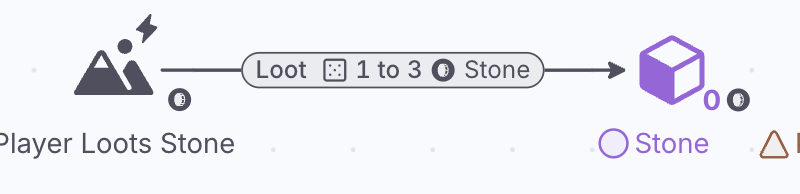
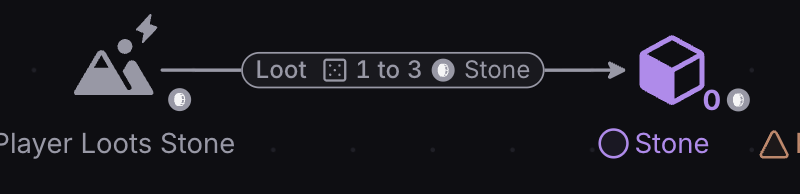
- Create a new Pool that counts the player’s Stone collected.
- Add a second Source named Player Loots Stone, with a Resource Connection to the Stone Pool. A Source produces a single Resource type, so each Resource needs its own Source.
- Remember to label the Pool “Stone” for clarity.
Select a connection and a small floating toolbar appears above it: use it to change the color, line width and text of the connection.
Increasing resource flow
Stone is a more abundant resource than Wood in our game. For now, let’s assume that for every minute of gameplay (i.e. a Step in our model), the player loots between 1 and 3 Stone (a dice roll, so 2 on average) and 1 Wood.
Best Practice: Assumptions are a fundamental part of diagram-building. You can never model a system perfectly because (1) it takes too much time, and (2) you rarely have all the information to hand.
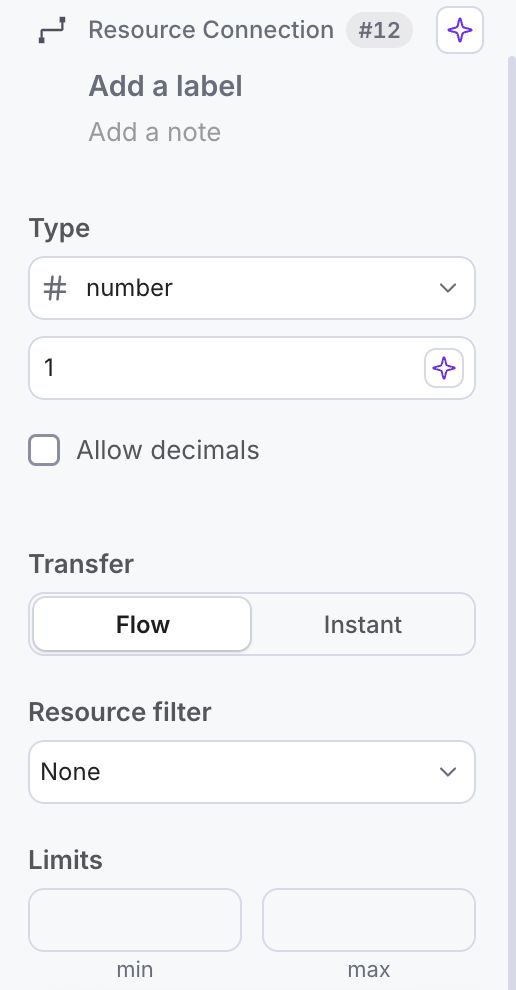
- To change how much stone the player loots each step, first click on the Resource Connection that generates the Stone.
- In the Properties panel on the right, open the Type menu and choose Dice roll, then write 3 after the D. The connection now sends a random 1 to 3 Stone each Step.
Hit Play. The player now earns between one and three Stone (two on average) and one Wood for each Step, as intended.
Converting into Houses
Crafting mechanics can be modeled using Converters. A Trader (press X) is the Converter’s sibling: it swaps resources between two parties.
Converters are resource transformers. They transform one type of resource into another.
The Resource Connection entering the Converter (the input) defines how many of that resource is needed per conversion.
The connection exiting the Converter (the output) defines how many resources are created per conversion.
Thus, the above setup translates to “10 resources from the left Pool are used to create 1 resource in the right Pool”. The ratio of these numbers is essentially the exchange rate.
Building the system
For now, let’s assume houses are only built with wood.


Here, we’ve created a Converter setup which transforms Wood into Houses.
Hit Play and see what happens.
Notice that no Houses are being built, even when the player has enough Wood to do so. This is because the Converter needs to be changed from Passive to Auto.
By default, components are Passive, except Sources and newly placed Sinks, which start on Auto. A Passive component doesn’t do anything unless something else triggers it.
To make the Converter do its job automatically, its Trigger must be changed from Passive to Auto (the lightning-bolt button).
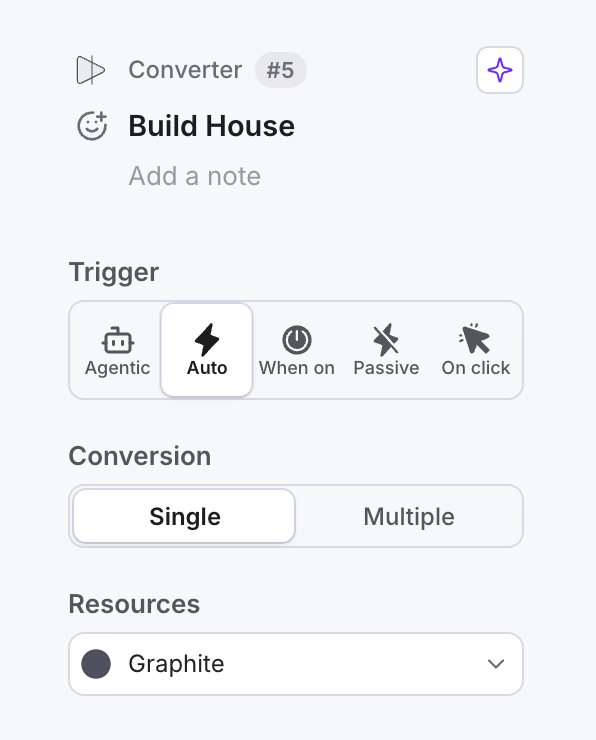
- Click on the Build House Converter.
- Change the Trigger in the Properties panel to Auto.
- Hit Play again.

Adding stone to the recipe
When the player accumulates at least 5 wood, Build House will now Pull 5 wood resources from the Wood Pool and transform them into one house resource. This new resource is stored in the Houses Built Pool.
Now let’s make it so that building houses also requires 2 stone.
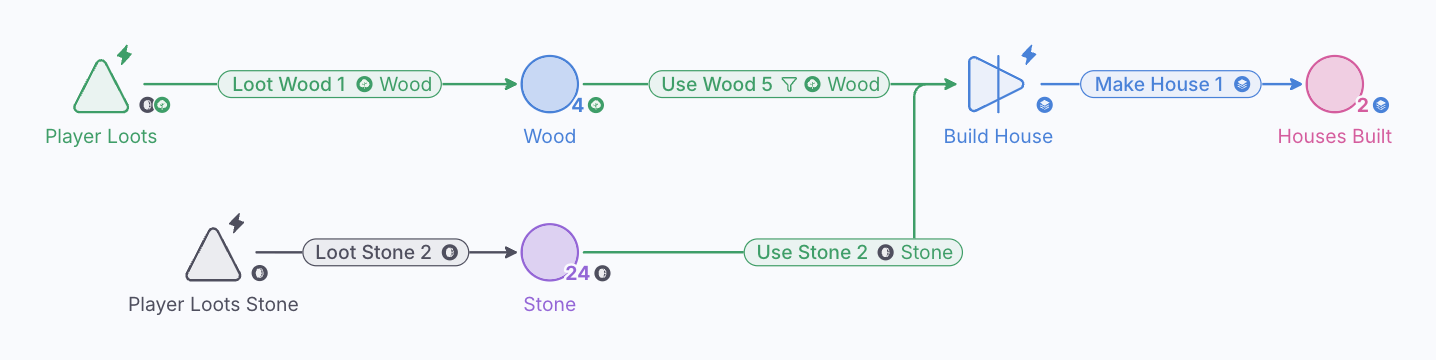
Converters can accept multiple resource types as input, meaning you can use them to model complex crafting recipes.
Design consideration: Hit Play and notice how the amounts of Wood and Stone fluctuate over time. Which resource is the bottleneck? Try changing the values on the connections to test different exchange rates or different rates of resource collection. How does this affect the bottlenecks?