Constant product liquidity pool
Build a constant product liquidity pool with two tokens and an invariant for an automated market maker model. The Math here is very easy.
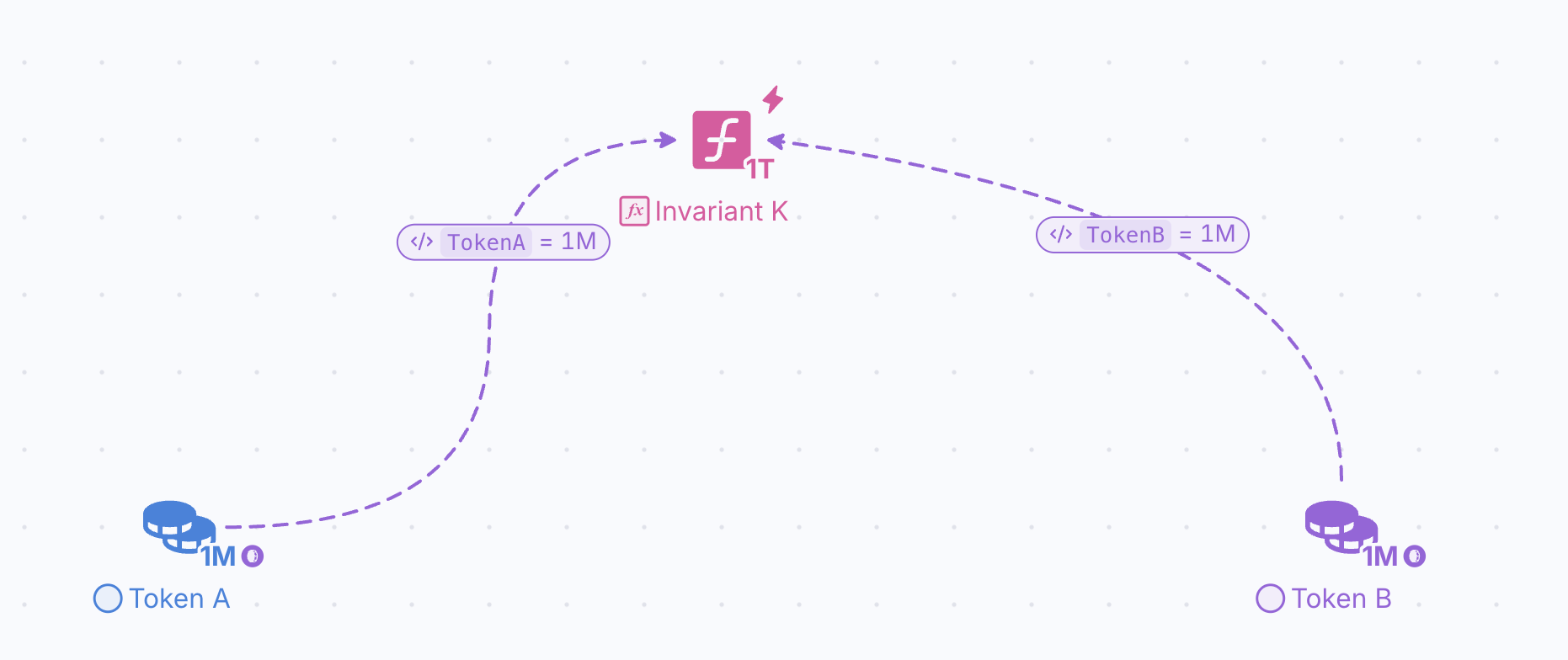
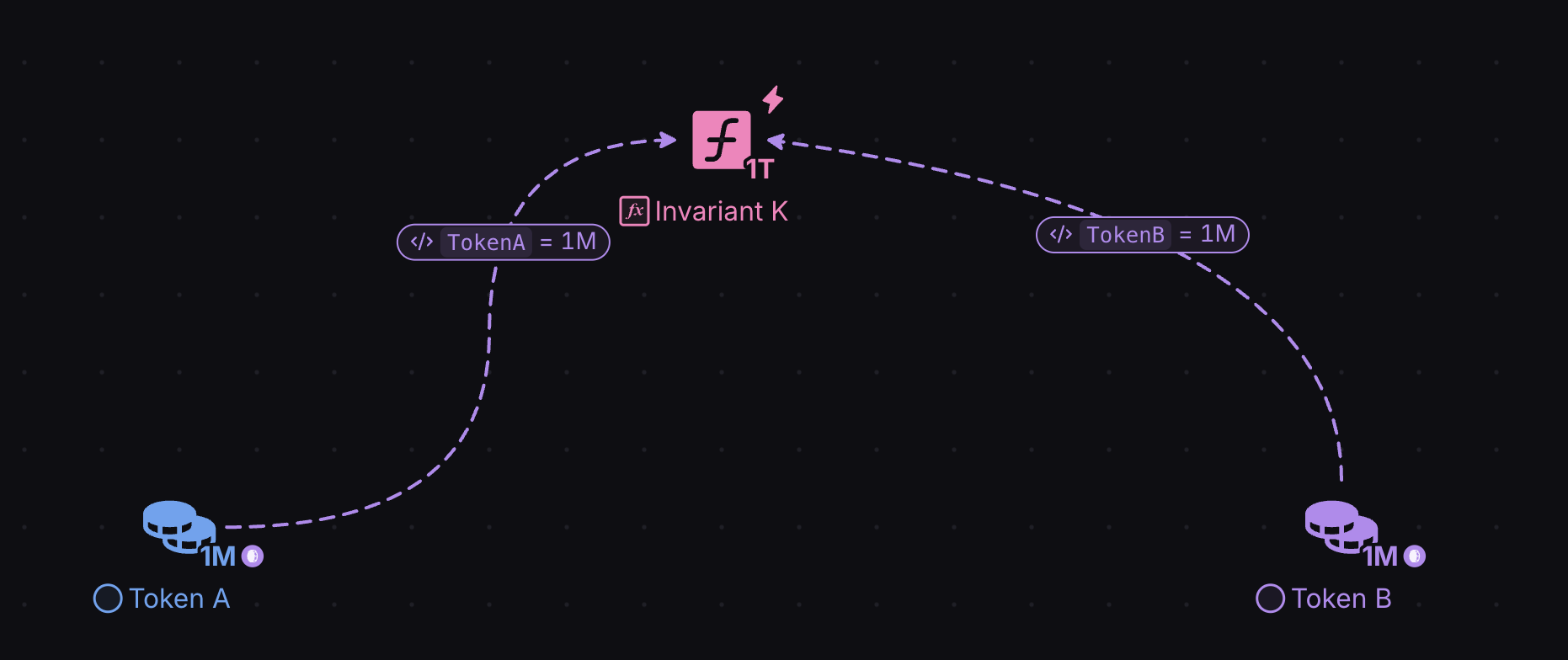
We are going to build a simple Constant Product Market Maker. The Math here is very easy: X * Y = K
- X = token A
- Y = token B
- K = Invariant (a constant number that will not change in this model)
If our Starting Balance for Token A = 1,000,000 and Token B = 1,000,000 then
K =1,000,000,000,000
- K dictates the price and the exchange ratio of one token for another.
- In order for K to remain constant, it will tell us how much of a given token you will get for the other, depending on the current balance of each when u make a swap
There’s only 3 nodes in this part of the diagram (2 Pools and 1 Register)
The Pools you are familiar with.
Let’s talk about Registers:
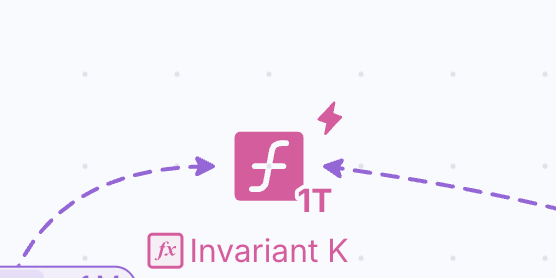
They are our main node for completing complex logic, formulas, simple math etc… in machinations
They can take in multiple variables from pools or even other registers, process it depending on the formula you’ve put in it and output the outcome.
- They do not take in resources!
- They take in Data!
- And they output Data!
So you cannot send a resource from a pool to a register
In order to connect a pool to a register, or a register to anything else (like a pool, resource connection, another register etc) you will use a STATE Connection
Time to start building the Constant Product Liquidity Pool
Step 1:
Find some blank space on your endless canvas, place 2 pools on diagram with the settings:
- Trigger = Auto
- Direction = Pull
- Initial quantity = 1000000 (1 million in each pool)
- Label Pool3: Token A
- Label Pool4 : Token B
Step 2:
Place a Register in between Token A & Token B Pools.
- Formula = TokenA * TokenB
- Label: Invariant K
Step 3:
Use a State Connection to connect Token A Pool to the Register
- Formula = TokenA
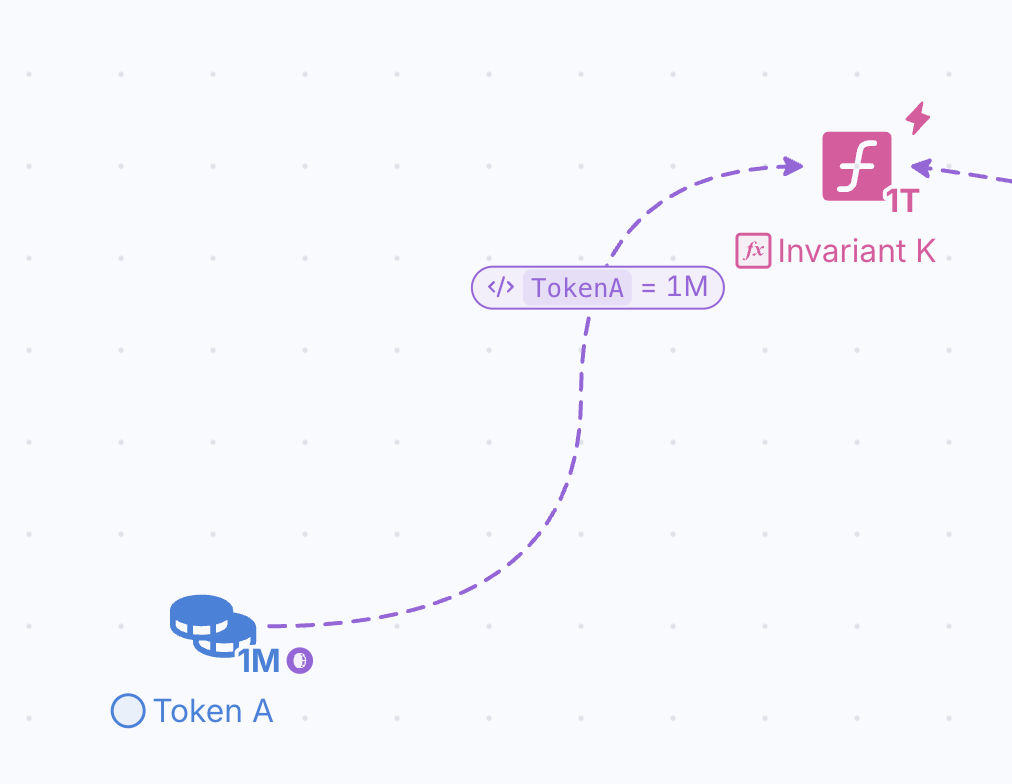
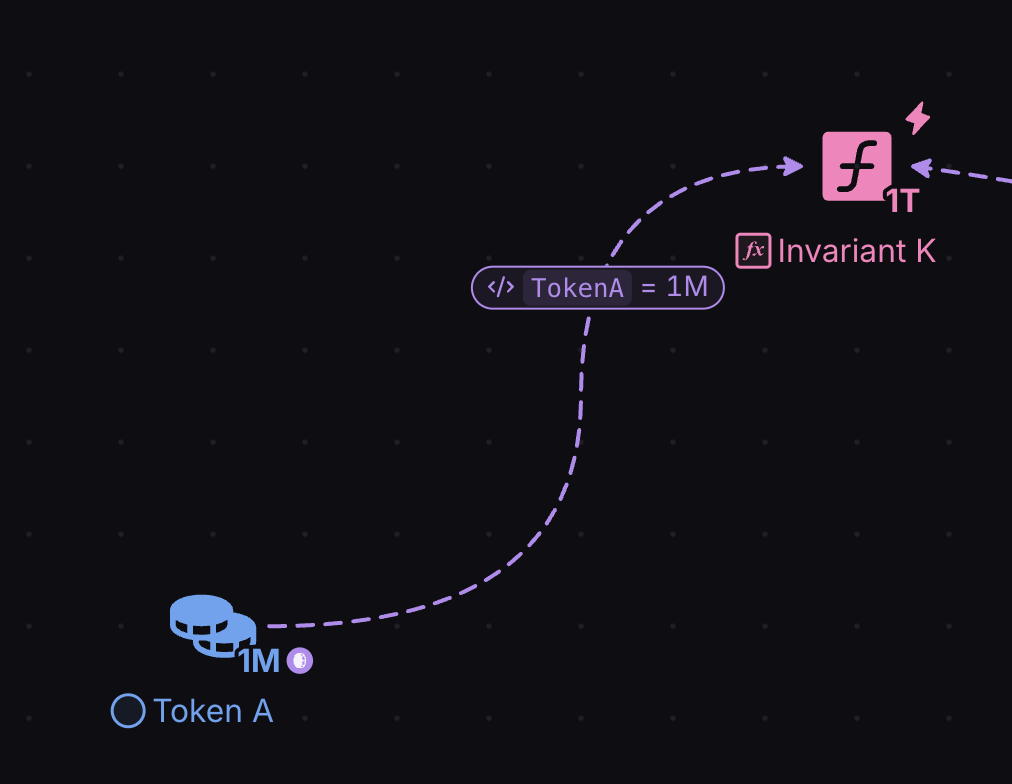
NOTE: In the Properties panel, this State Connection has the Type “Formula input”, and the name you type in the box under it is the variable. Make sure that the variable in your state connection has the exact same name as the variable in the equation of your register. When you write a word in the formula of a state connection, the value of the node from which it originates, becomes a variable with the name chosen in the state connection.
Step 4:
Use a State Connection to connect Pool 3 to the Invariant K Register
- Formula = TokenB
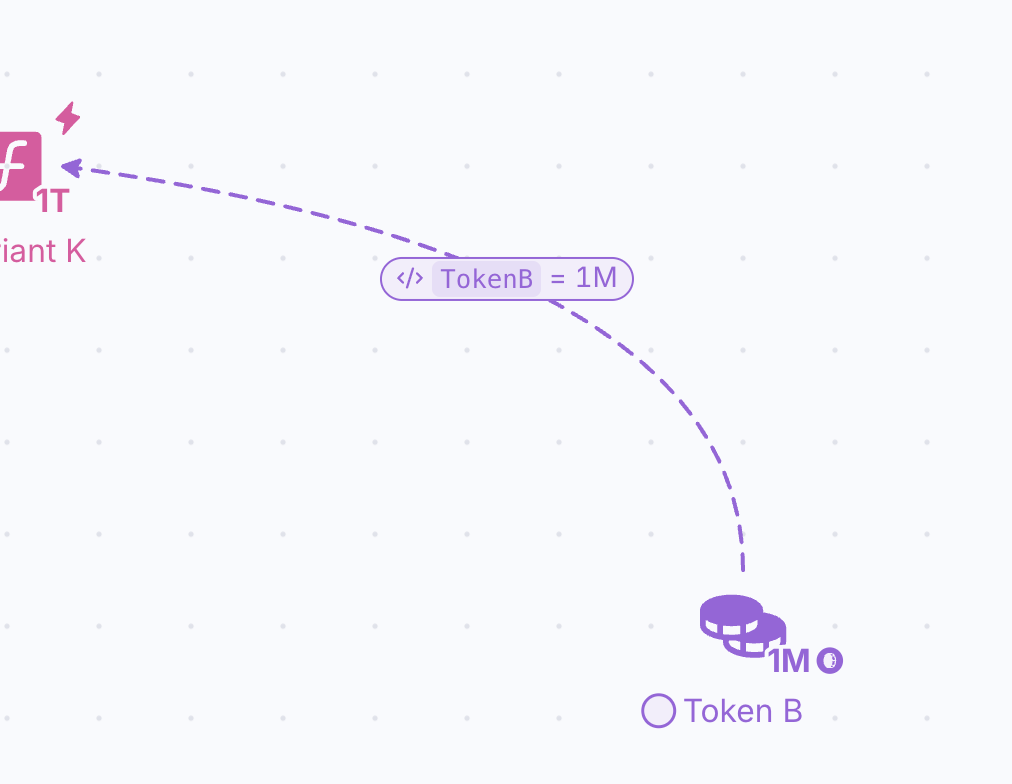
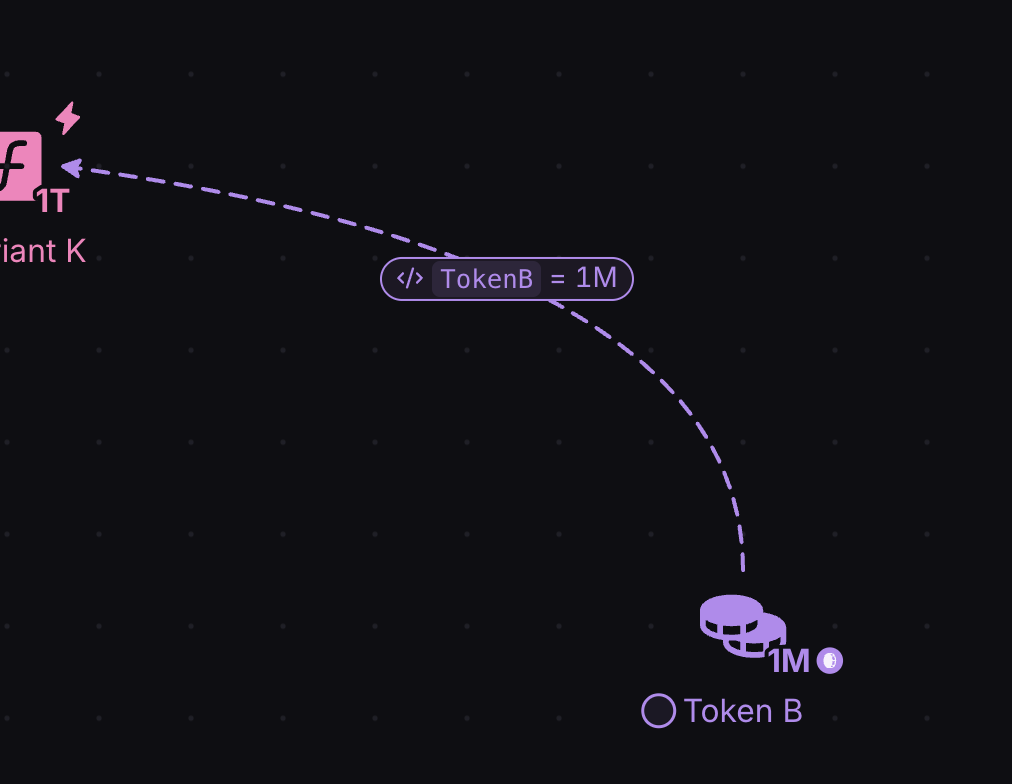
Great Job! The infrastructure for your Liquidity Pool is done. If you press play, you should see this!
NOTE:You can edit the style of nodes and connectors and group them together. Highlight what you just built (LP), right click, and select group. try to make it look like this!