Calculating stats
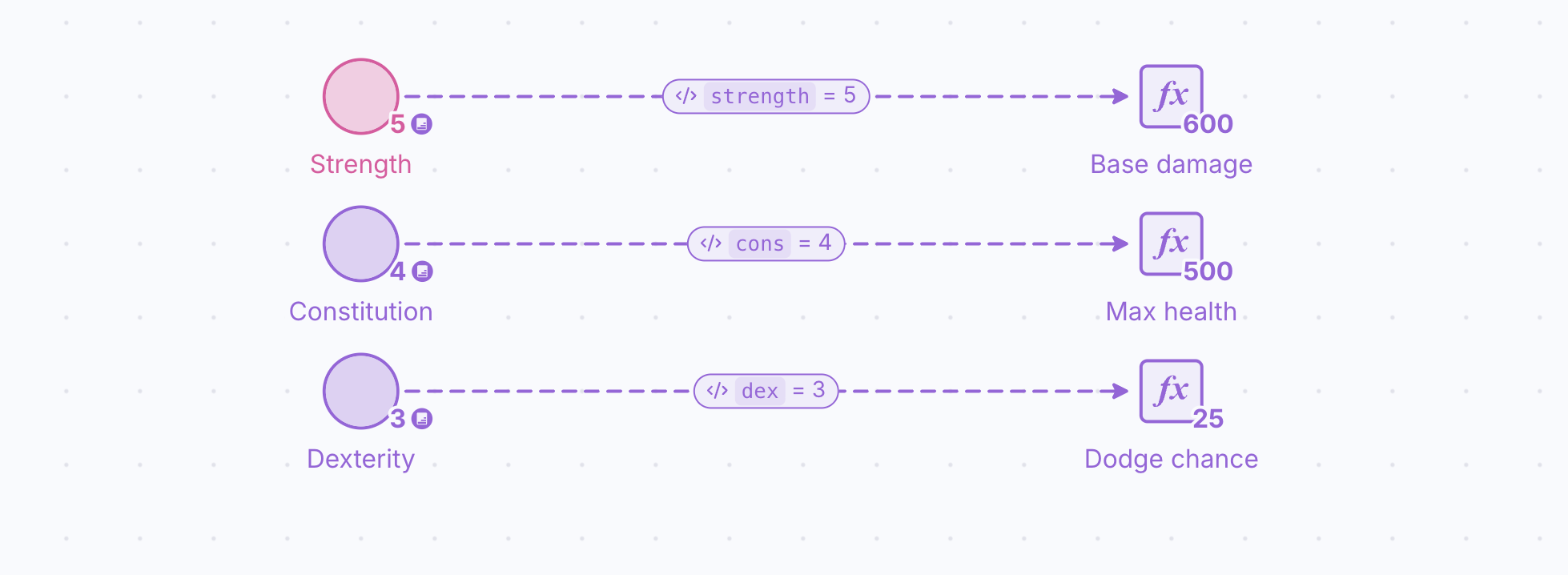
In this section, you will build a simple stats system for each attribute, obtaining the character’s base damage, max health, and dodge chance.
In this section, you will build a simple stats system for each attribute, obtaining the character’s base damage, max health, and dodge chance. For each one, we are going to use the following formulas:
Base damage=100+strength*100
Max health=100+constitution*100
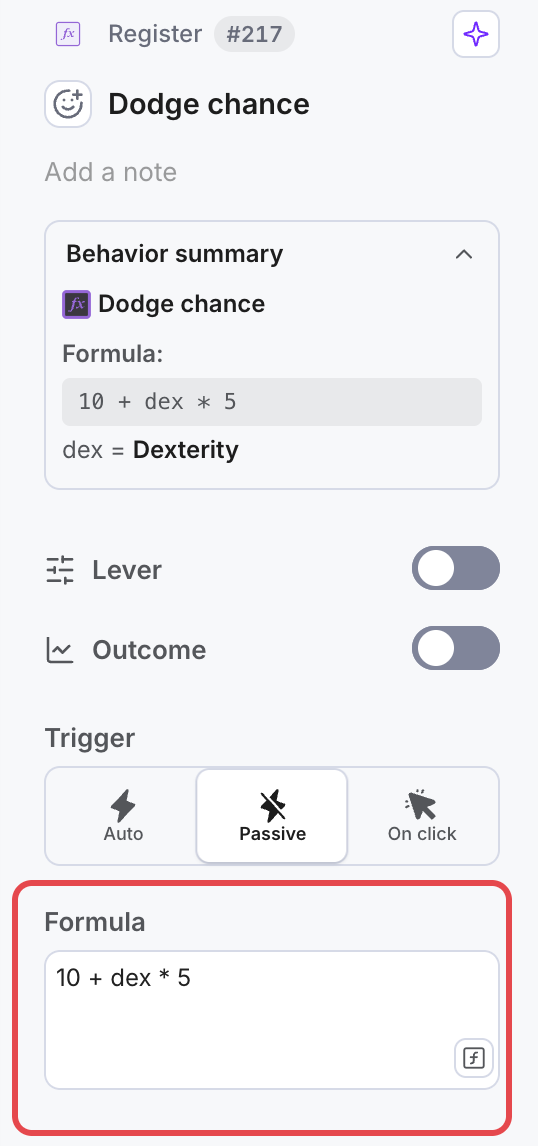
Dodge chance=10+dexterity*5
Because you need to add formulas that depend on the state of other components in the diagram, you will need to create and combine registers and State Connections.
- Create three Registers and place each one to the right of one of the attribute pools.
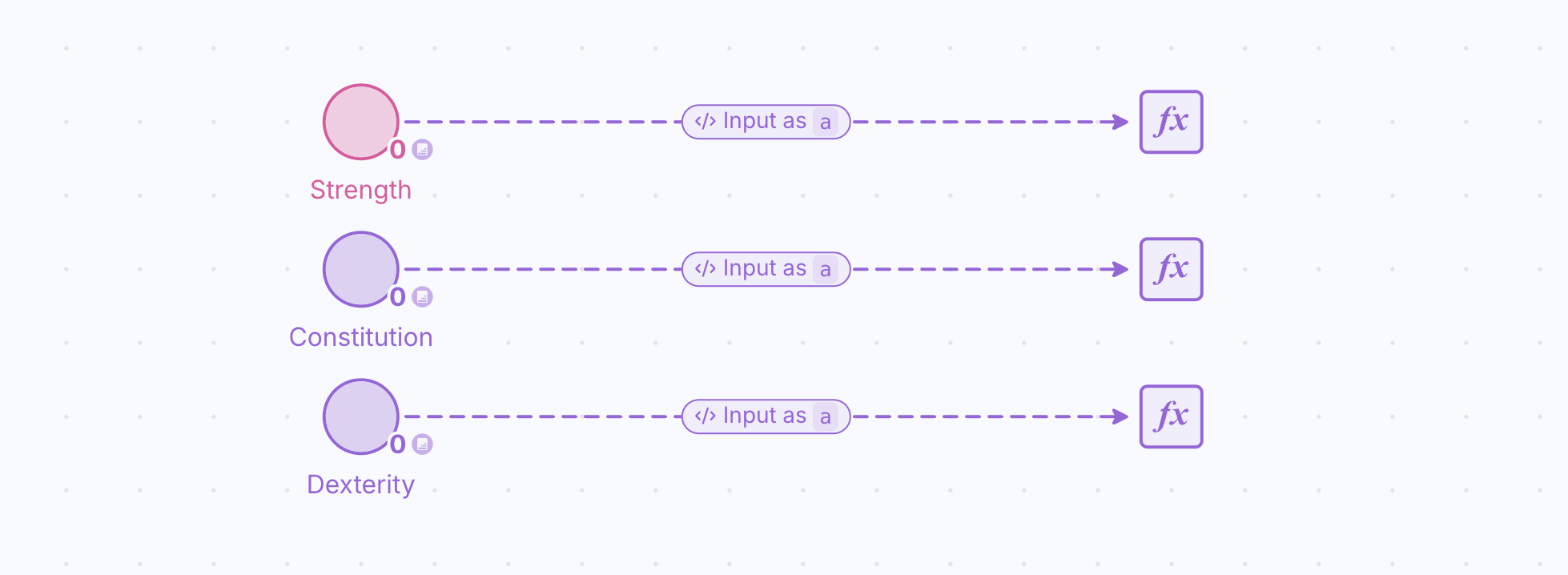
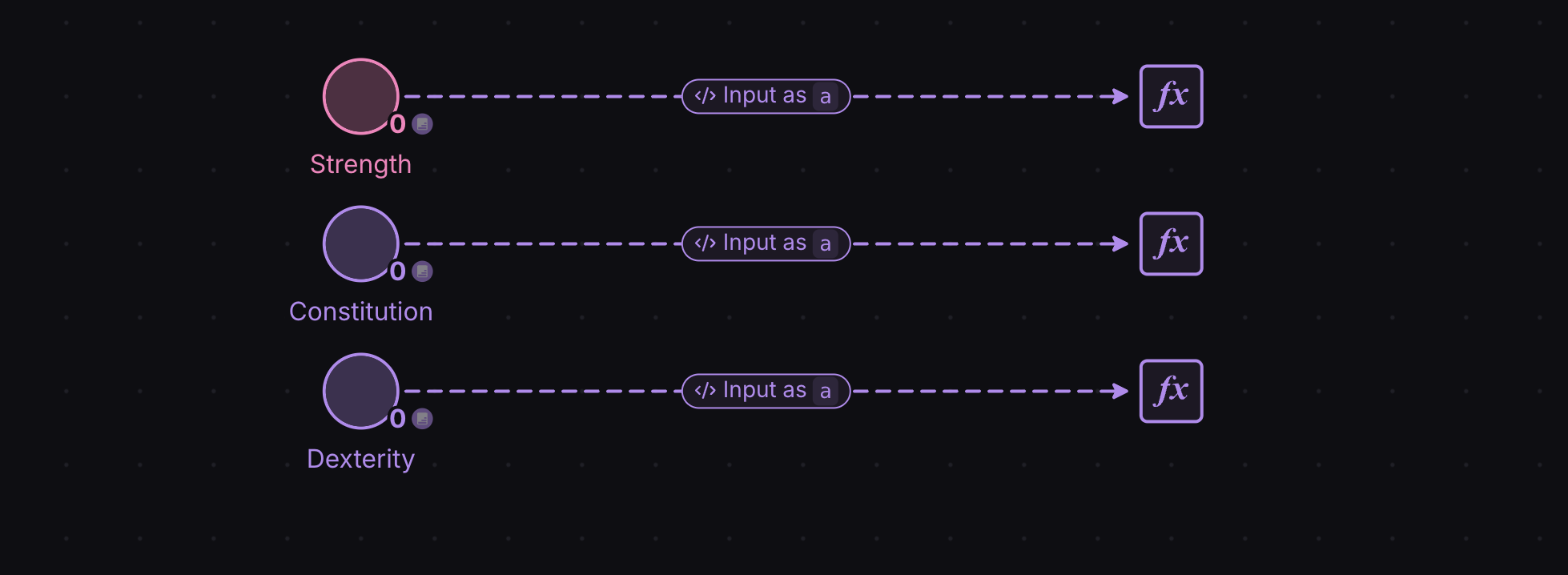
- Rename each Register by selecting them and entering the new name in the label at the top of the Properties panel with the following names: “Base damage”, “Max health” and “Dodge chance”.
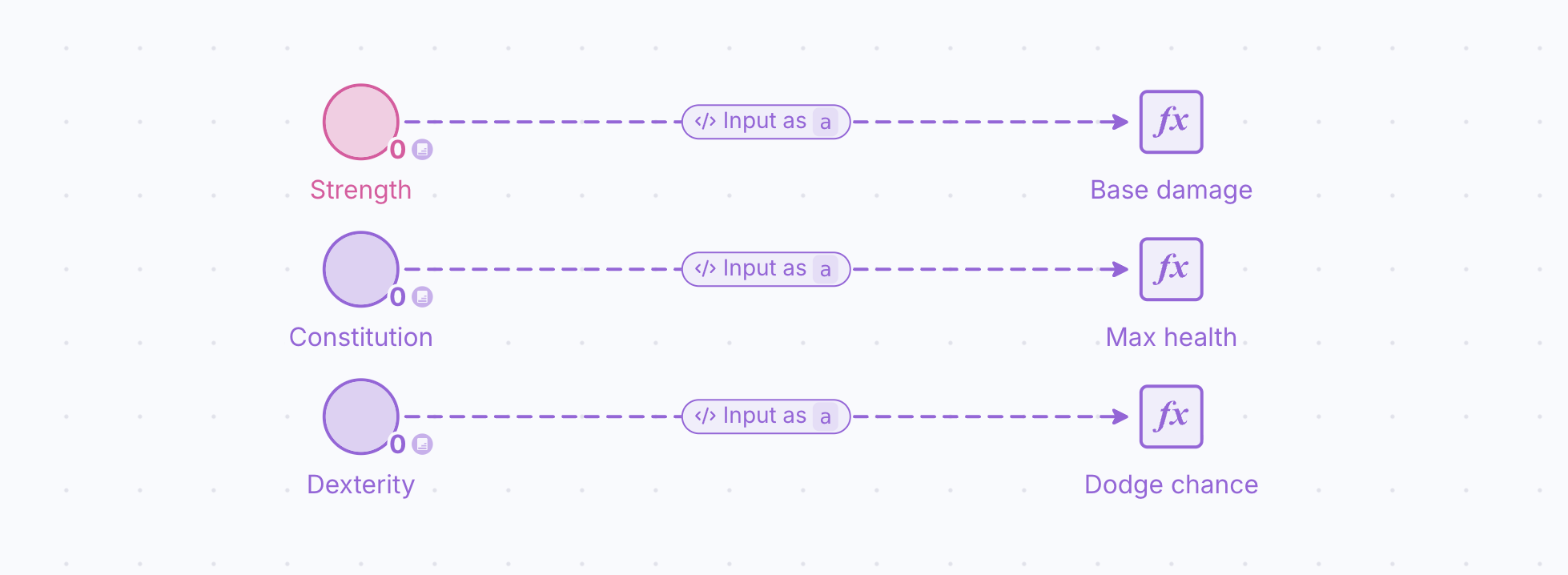
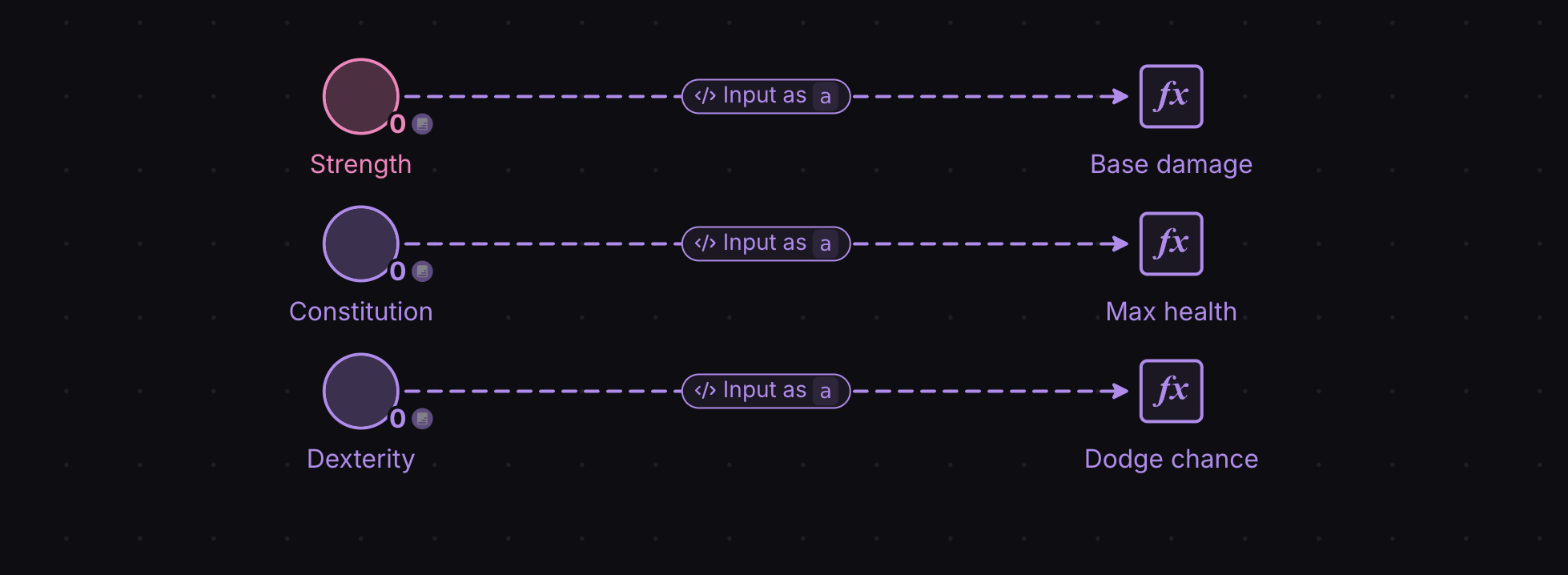
- Every Register needs to get the amount of points allocated to their associated attribute pool, so you have to read the state of these pools. Add three State Connections, clicking first in one of the pools and then in its associated register.
- We recommend having descriptive names in the formulas of the State Connections. Thus, select the State Connections, and, with Type on “Formula input”, type into the box under it, depending on their corresponding attribute, one of the following names: “strength”, “cons”, and “dex”.
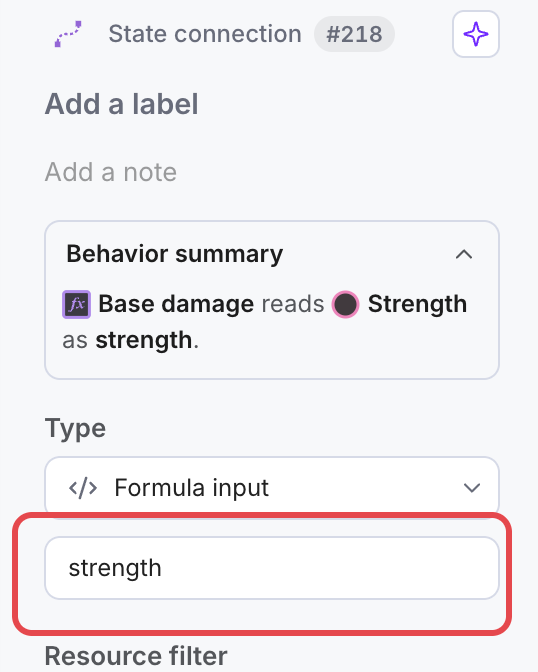
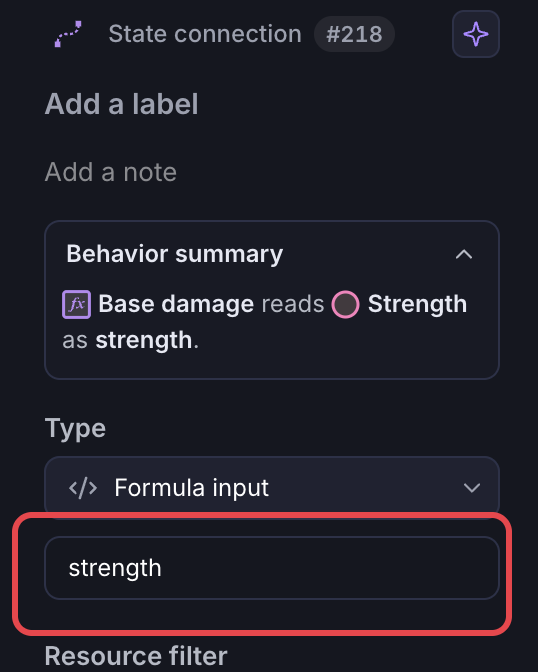
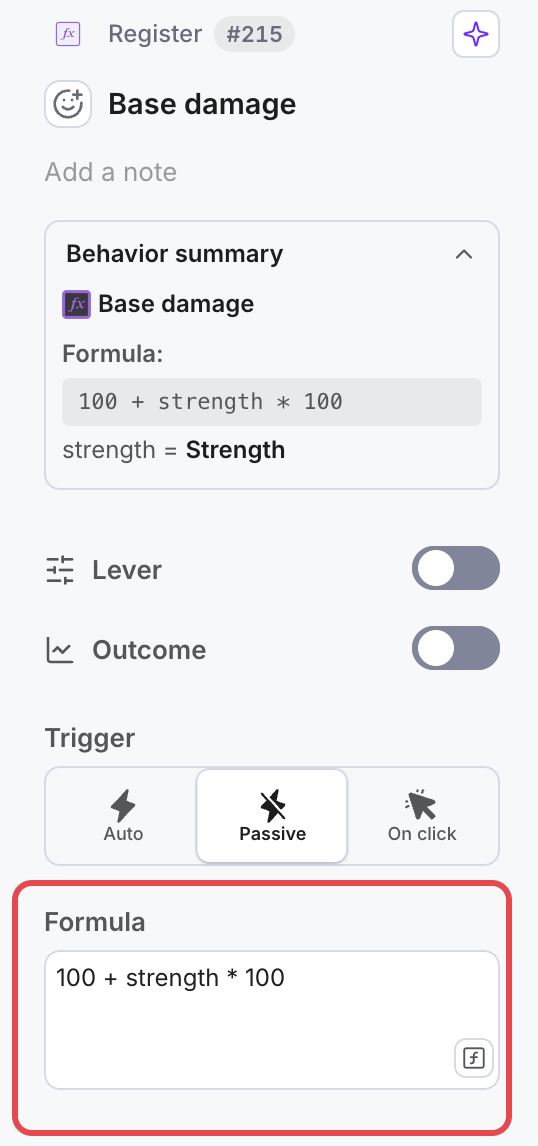
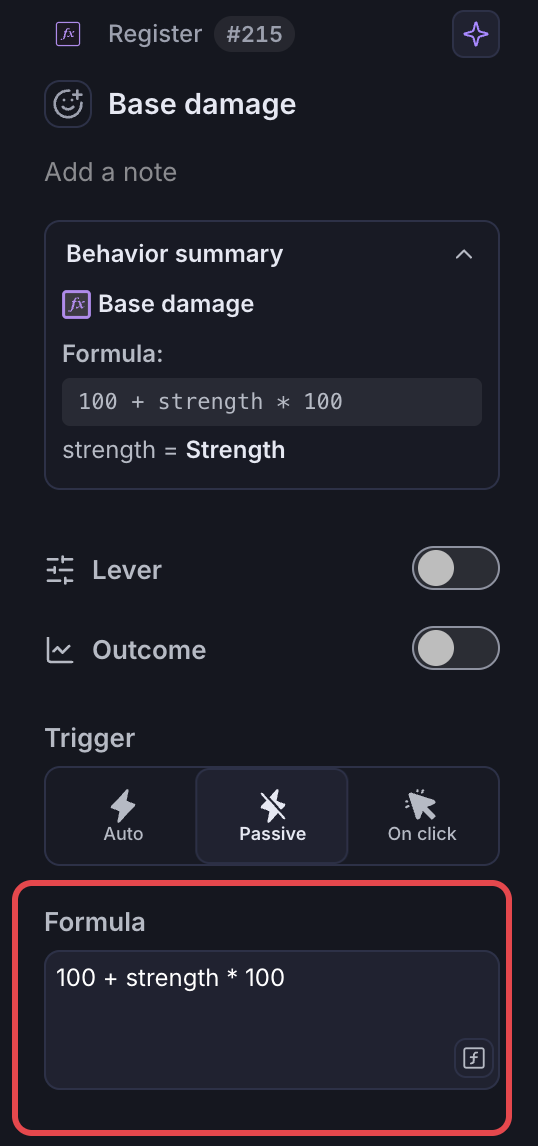
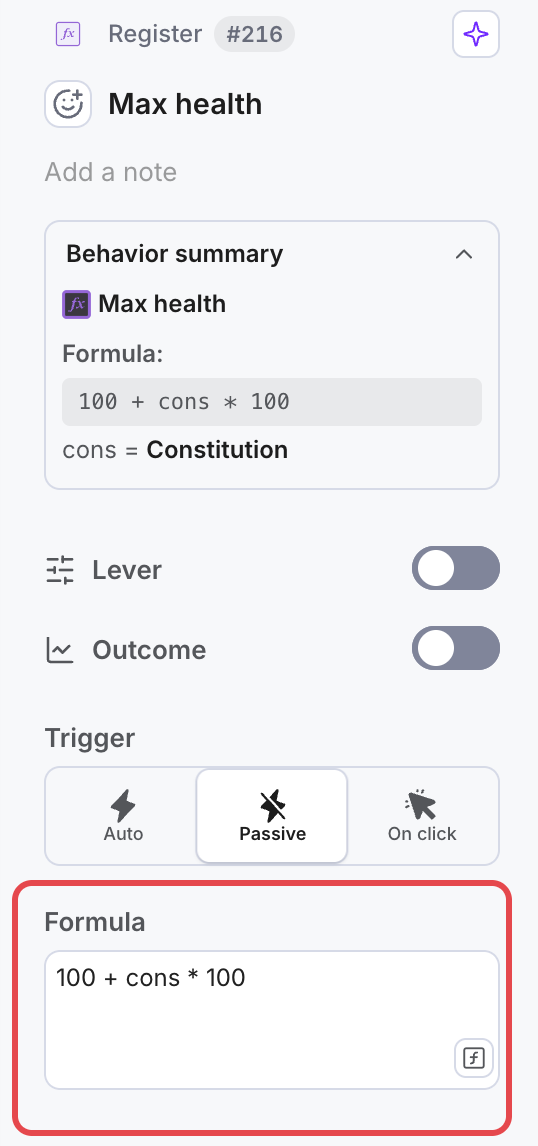
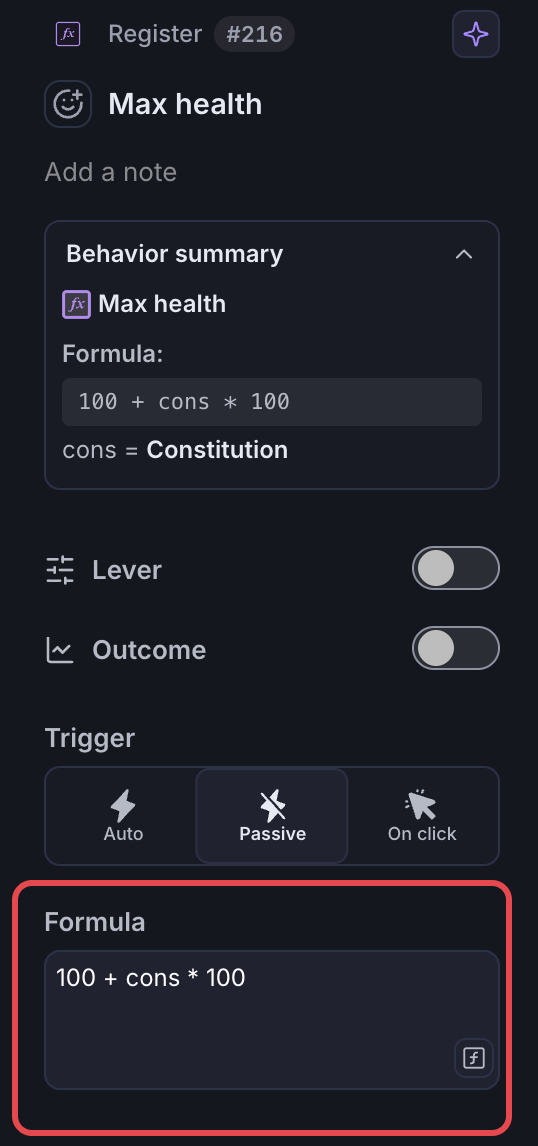
- We need to add the associated formulas to each stat calculation. Select each Register at a time, and in the “Formula” field, type the following formulas:
5a. “Base damage” register: 100 + strength * 100
5b. “Max health” register: 100 + cons * 100
5c. “Dodge chance” register: 10 + dex * 5
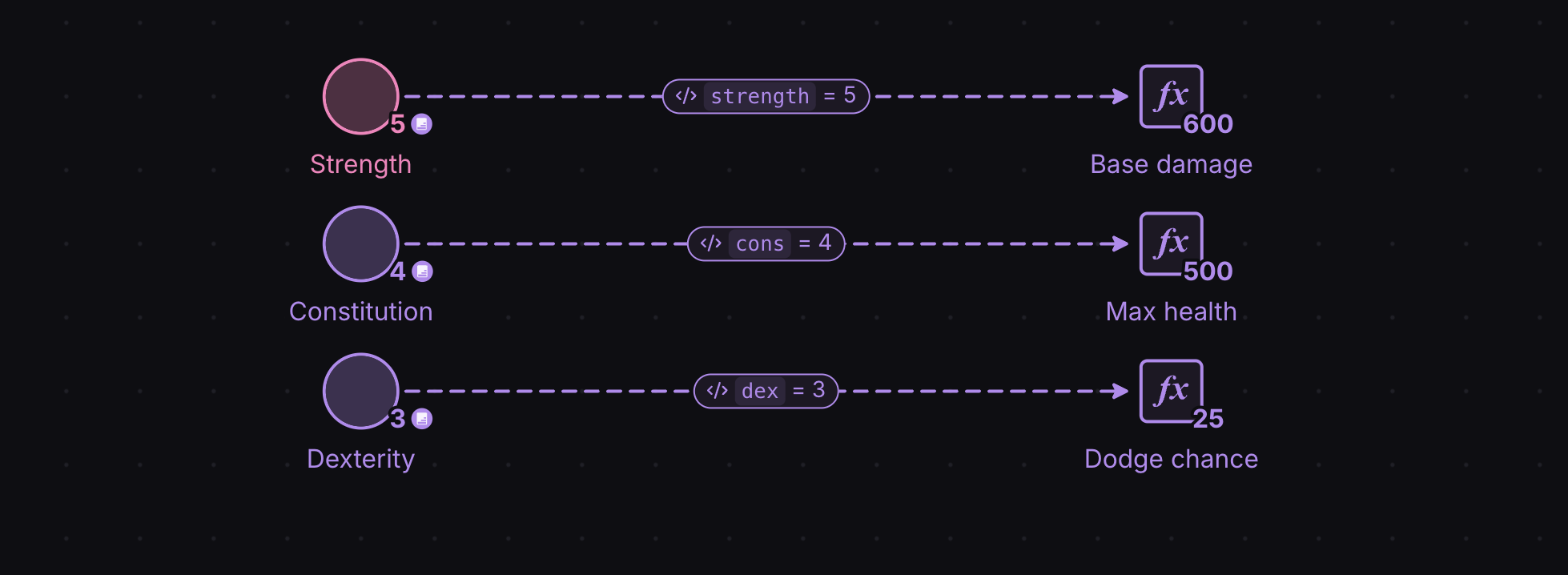
- Press “Play” and observe how the stats registers are automatically updated depending on the points allocated to each attribute.