Delays, queues & intervals
In this section, we will explain how to use delays, queues & intervals for the events that should take longer than a minute to perform.
Some events in our game, such as building a house, should take longer than a minute (i.e. a step) to perform.
Events can be delayed in several ways:
Delays
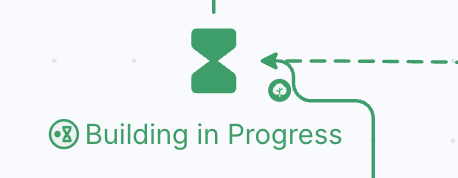
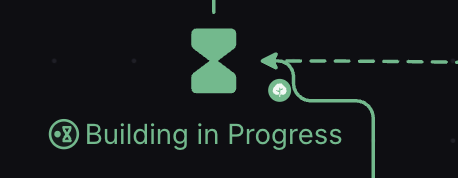
The Delay (Q) is a Pool-like component that holds resources for a given number of steps before releasing them.
The number on the output of a Delay defines how many Steps the resources inside will wait before exiting.
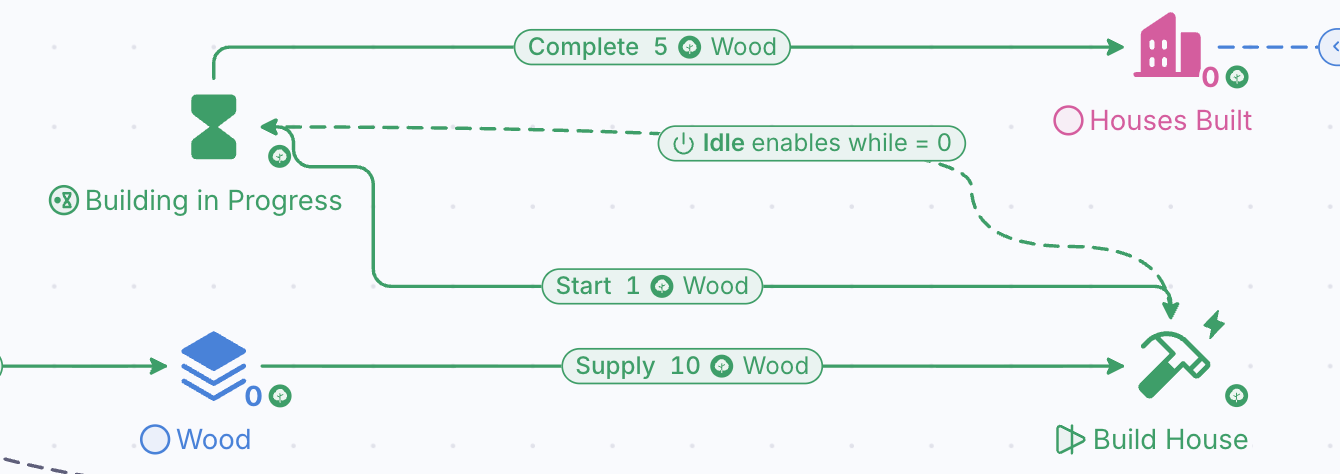
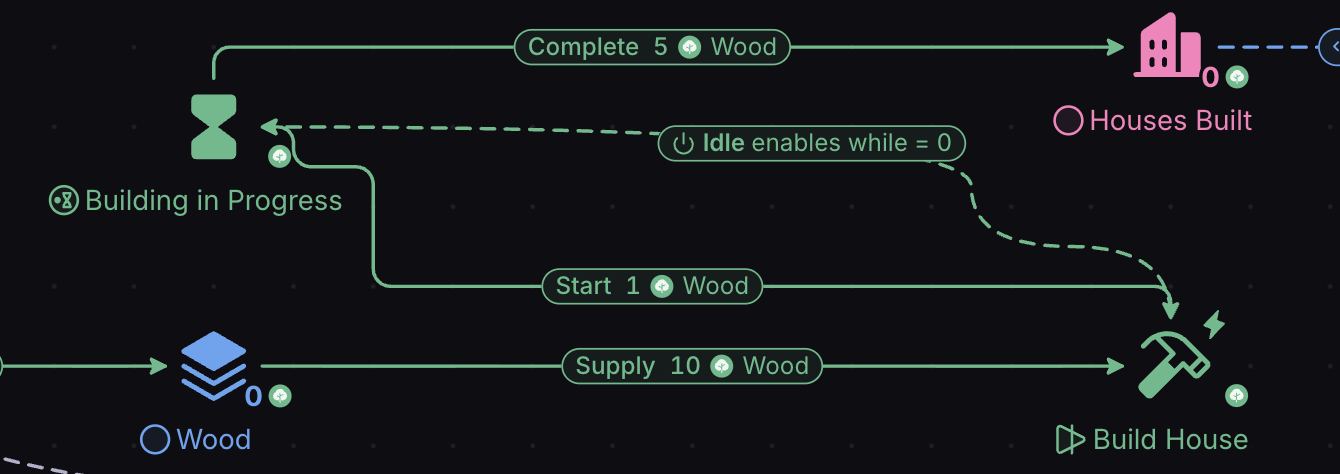
Above, we’ve added a Delay called “Building in Progress” between the Build House Converter and the Houses Built Pool. When the wood and stone is committed, the house enters the Delay node and stays there for 5 steps (i.e. 5 minutes). Then, it is officially ‘built’, and enters the Houses Built Pool.
Delay Action types

The Delay button in the toolbar has an arrow beside it with two choices, Delay and Queue. A Delay placed from the first choice is in delay mode; choose Queue for queue mode.
In delay mode, resources can leave at the same time.
In queue mode, resources leave in single-file. The first one to enter must leave before the next one in the queue begins its countdown.
If in our game the player is able to build multiple houses at the same time, but only one can be actively constructed (like Clash of Clans’ unit-training), we would use Queue mode.
Read our article on Delays & Queues to learn more.
Intervals
When editing a Resource Connection, you can also change its Interval.
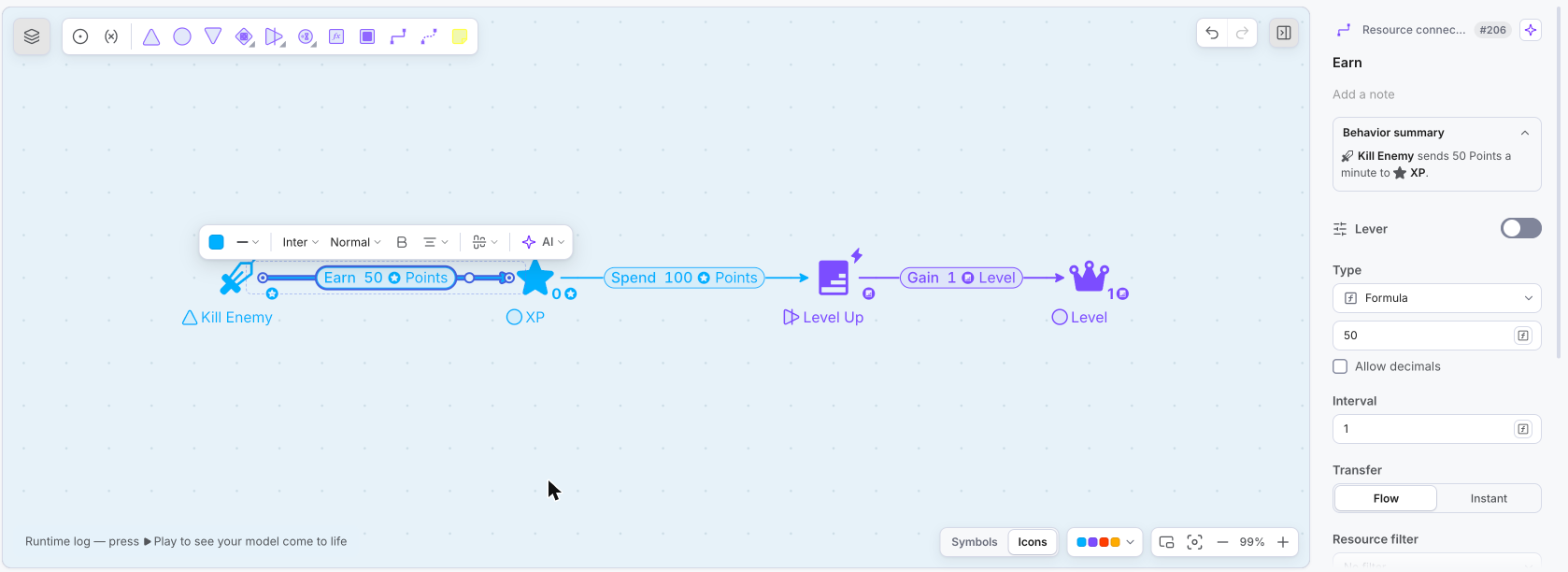
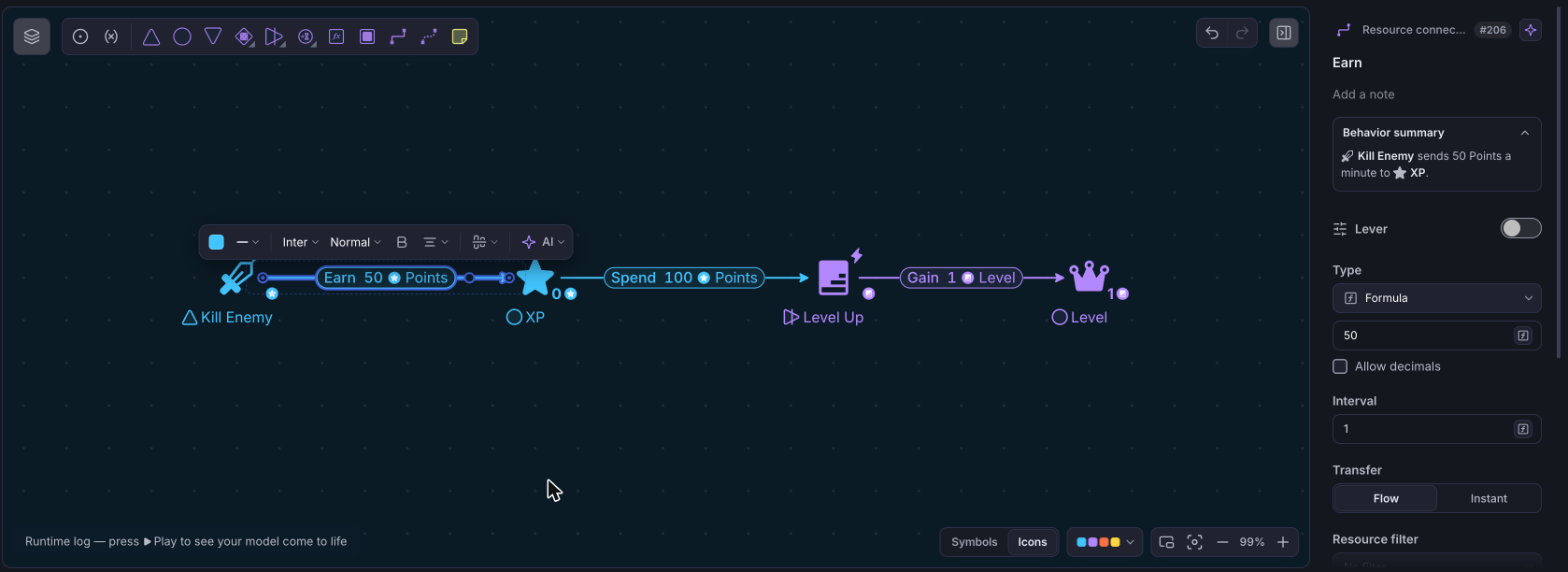
Intervals block the flow of resources for the given number of steps. They have similar applications to Queues.
If we wanted to make it so that the player only loots every two minutes instead of one, we could set the Interval of the connection leaving the Player Loots Source to 2.