Allocating skill points to attributes
Once the player earns skill points, they can allocate them to three attributes: strength, constitution, and dexterity. In Machinations terms.
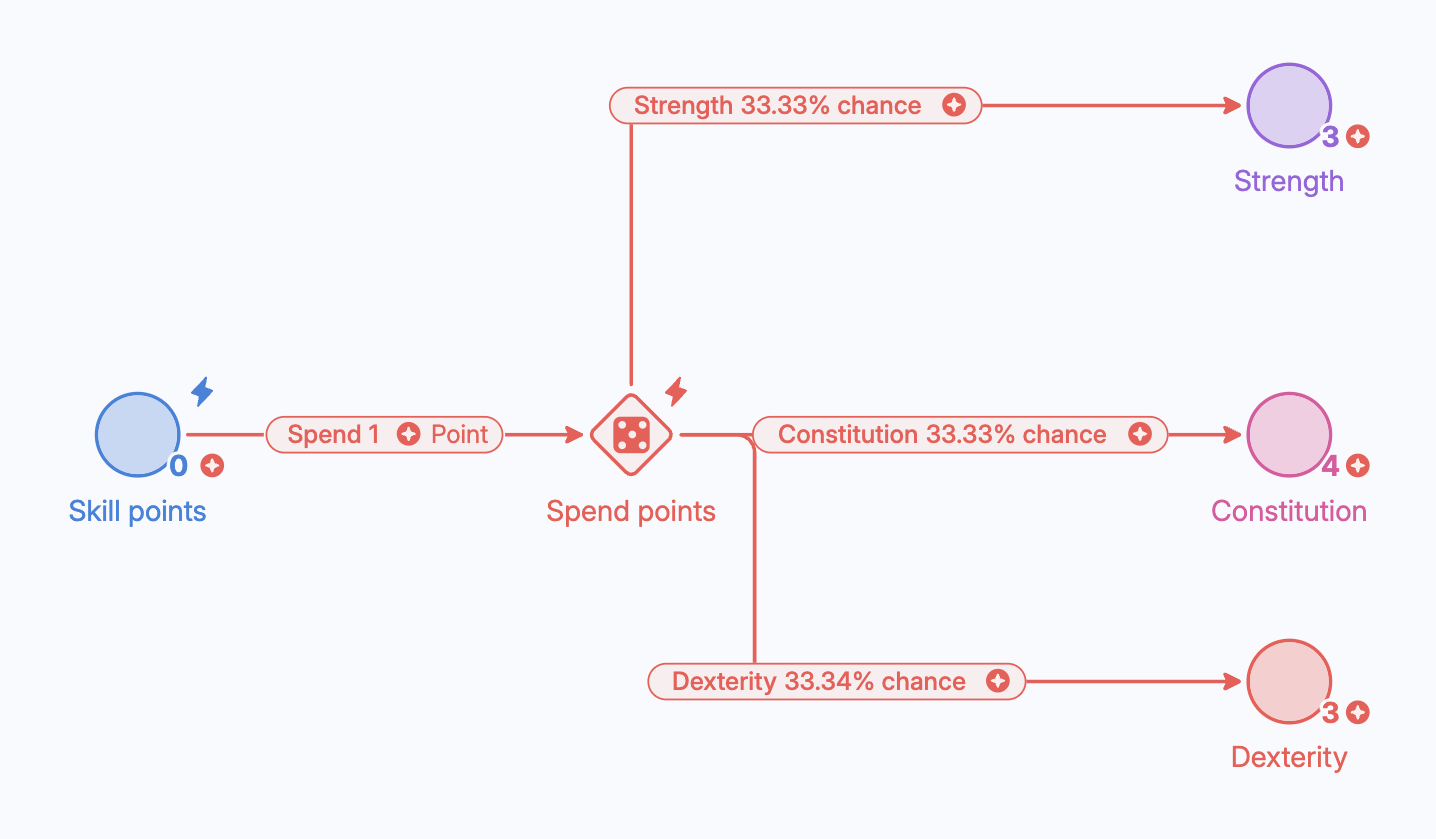
Once the player earns skill points, they can allocate them to three attributes: strength, constitution, and dexterity. In Machinations terms, you need to store the number of points per attribute in separate pools and distribute the points in the “Available skill points” pool to each attribute pool. You can use gates whenever you need to distribute resources from one component to another.
For this example, we are going to assume that the player has the following probabilities of distributing one skill point to each attribute:
- Strength: 25%
- Constitution: 35%
- Dexterity: 40%
Creating the gate
Follow the next steps to allocate the skill points to each attribute:
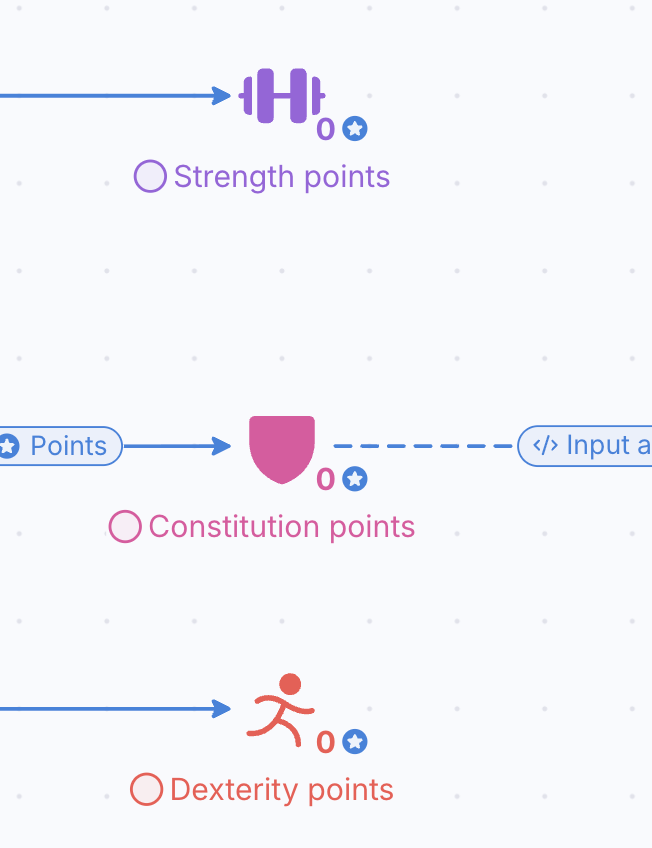
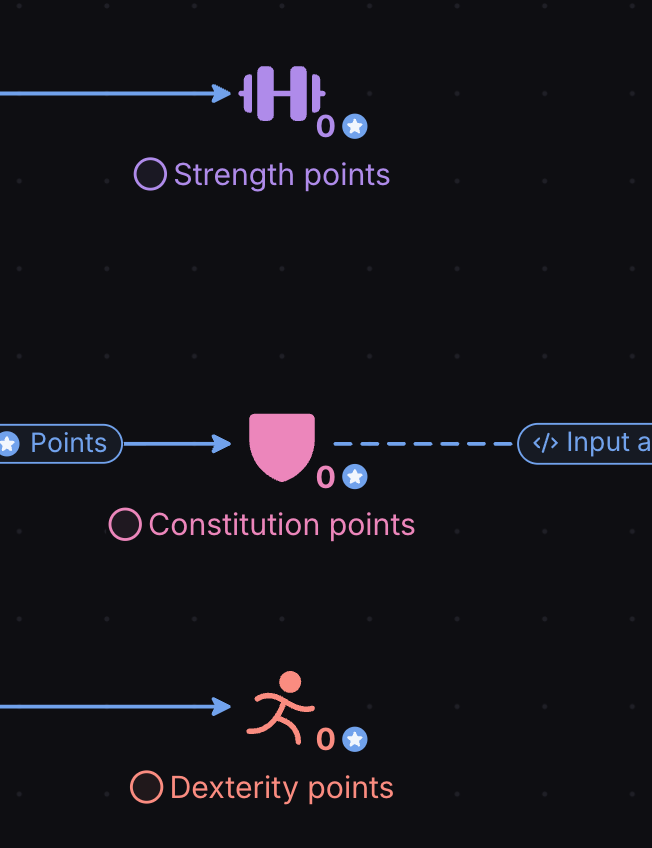
- Add three pools to the right of the “Available skill points” pool, leaving some space to add other components in the middle. Label these pools as “Strength points”, “Constitution points” and “Dexterity points”.
- Click the Gate icon in the toolbar or use the shortcut “g”.

- Click in the canvas between the “Available skill points” and the attribute pools to place the gate in the diagram.
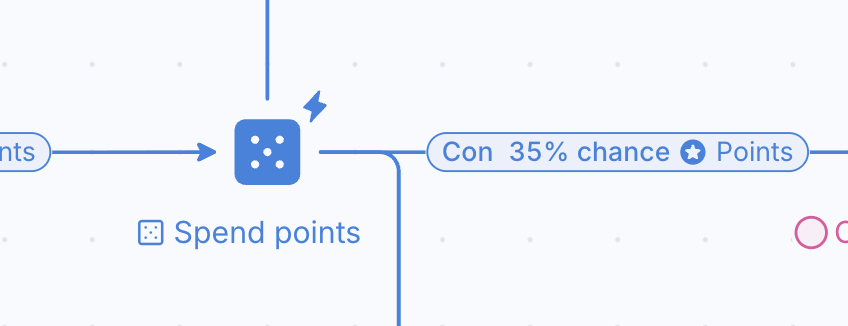
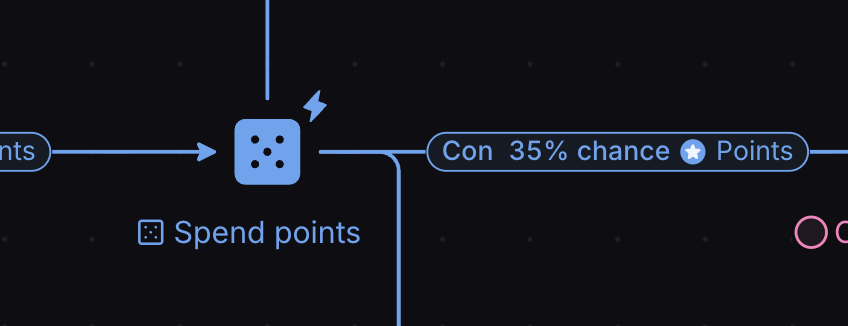
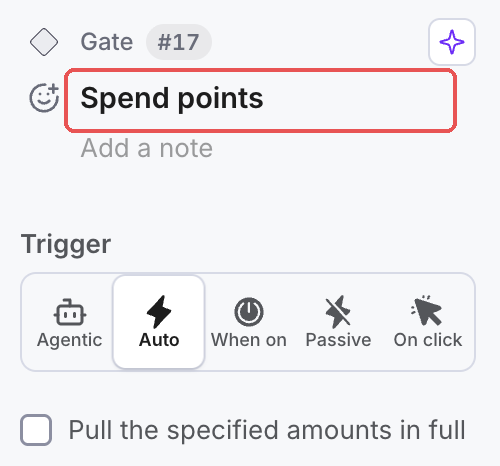
- Select the gate, and in the label at the top of the Properties panel (it reads “Add a label” on a new component), type “Spend points”.
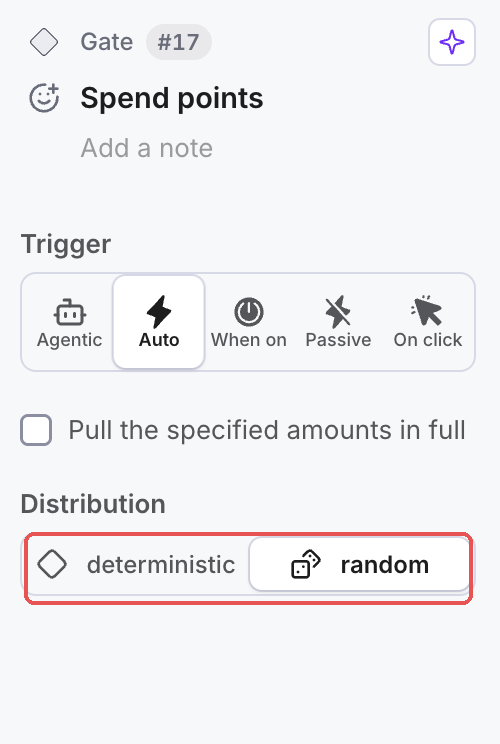
- Select the “Spend points” Gate, and in the “Distribution” property, check it reads “Random” (a new Gate already does). This will cause the Gate to distribute the resources it receives in its input with a certain probability on each output.
Connecting the gate with the pools
- We need to transfer the skill points (resources) from the “Available skill points” to the Gate. Add a Resource Connection, clicking first in the “Available skill points” pool and then in the “Spend points” Gate.
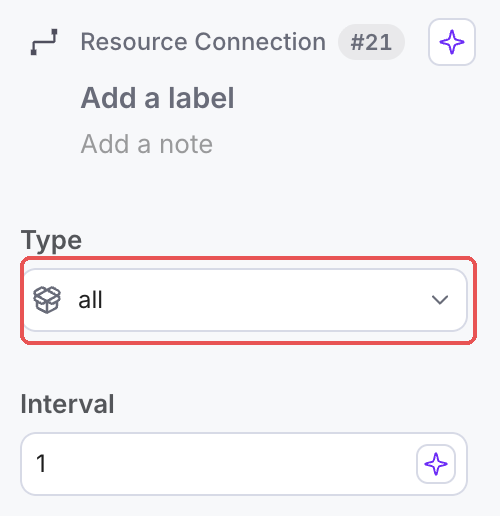
- The formula of the resource connection has the value “1” which means that only one skill point will be spent, but we need to spend all of them. Select the Resource Connection, set Type to “All”.
- The points the gate receives need to be transferred to each attribute’s pool; hence, we must connect the gate to these pools. Add the following three resource connections:
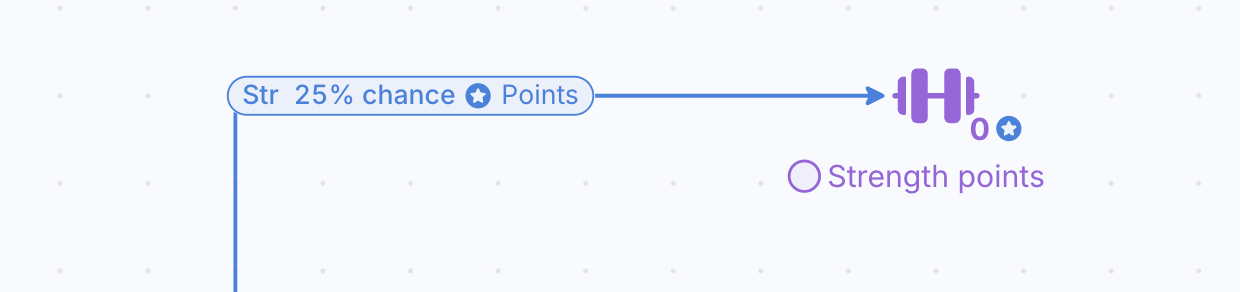
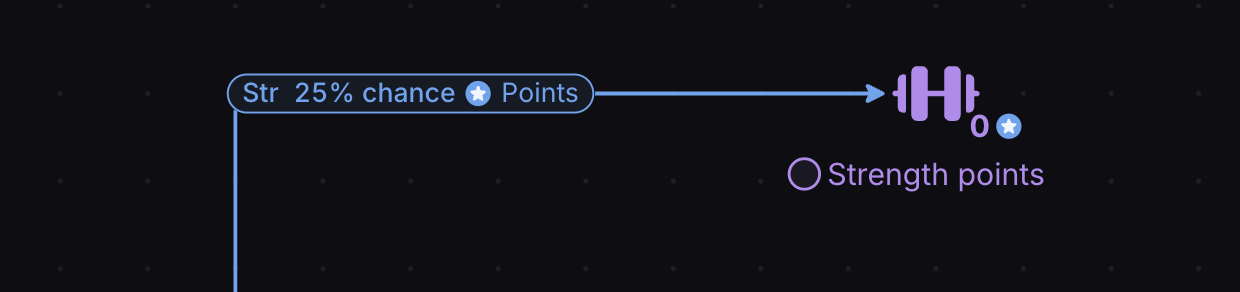
3a. One with its origin on the “Spend points” gate and target in the “Strength points” pool.
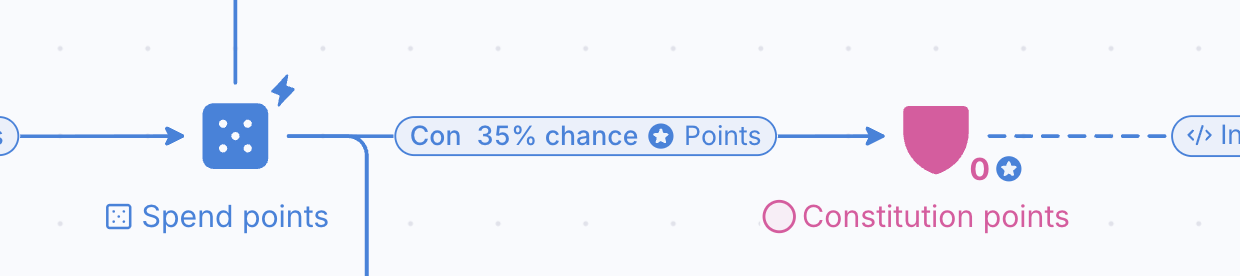
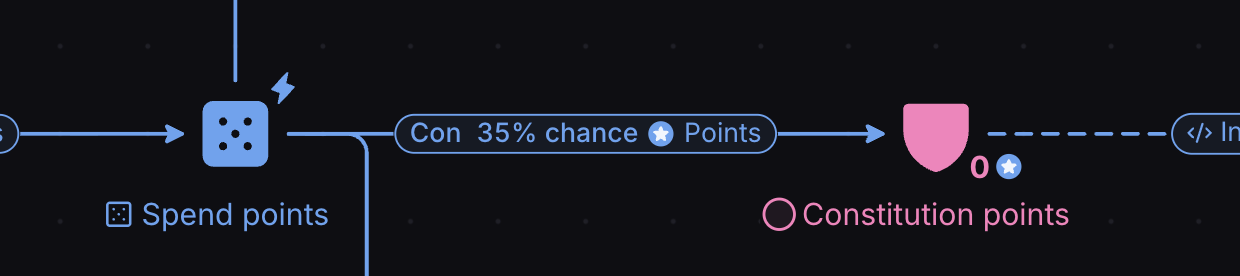
3b. The second one with its origin on the “Spend points” gate and target in the “Constitution points” pool.
3c. The last one with its origin on the “Spend points” gate and target in the “Dexterity points” pool.
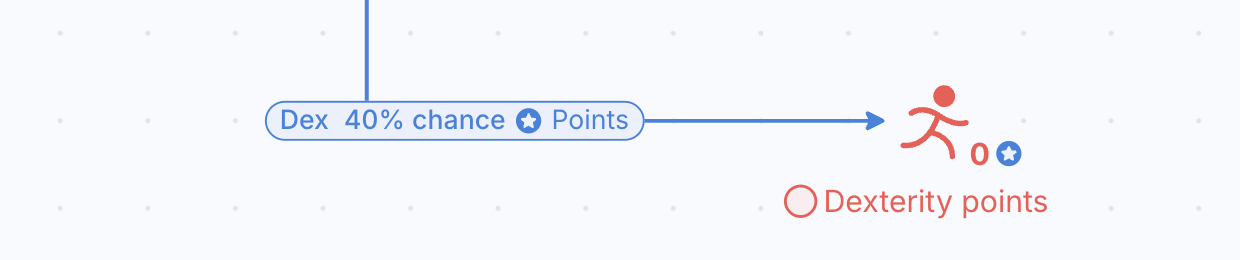
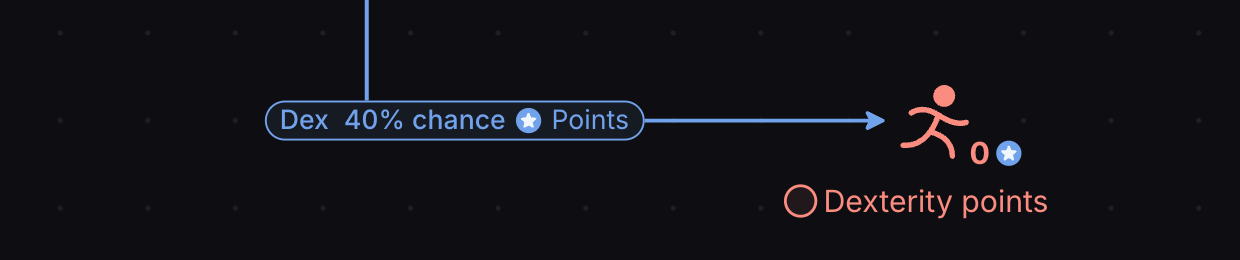
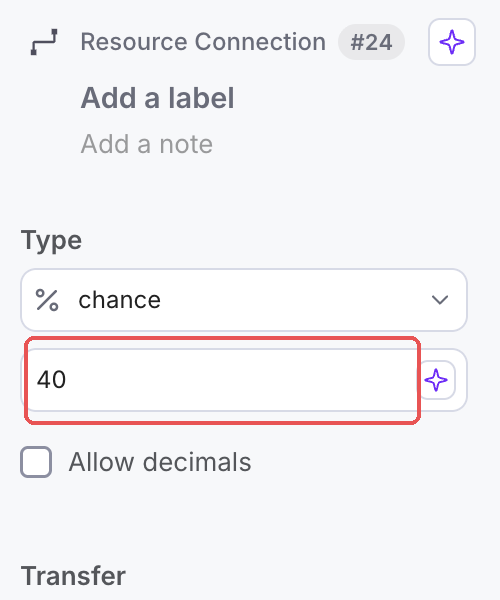
- The formula of these resource connections has the value “1” which in this context represents the probability of distributing a point to the corresponding attribute. However, the probabilities differ for each attribute: 25% for strength, 35% for constitution, and 40% for dexterity.
4a. Select the resource connection between the “Spend points” gate and the “Strength points” pool. Set Type to “Chance” and type 25.
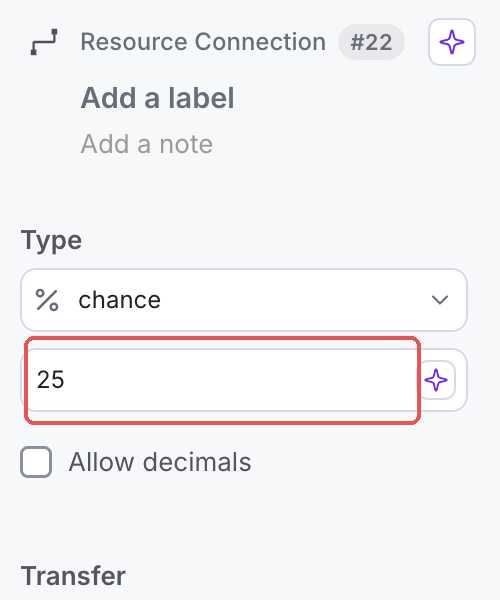
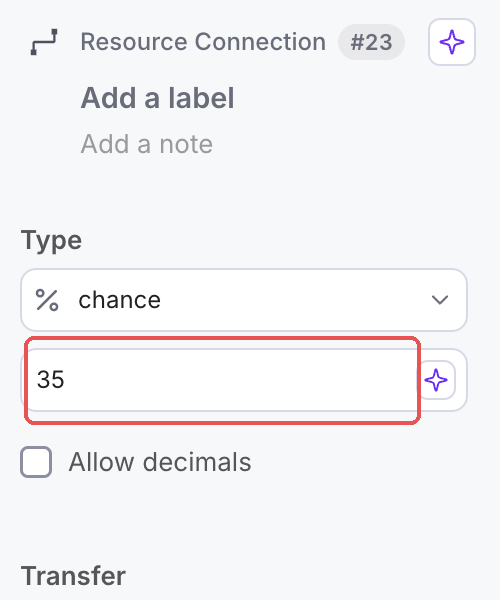
4b. Select the resource connection between the “Spend points” gate and the “Constitution points” pool. Set Type to “Chance” and type 35.
4c. Select the resource connection between the “Spend points” gate and the “Dexterity points” pool. Set Type to “Chance” and type 40.
- Press “Play” and observe how the gate is working. Are the skill points really being distributed to each attribute? In this example, the player already has 4 skill points, but they are unassigned.
Activating the gate
If resources are not flowing through the gate, it must be triggered.
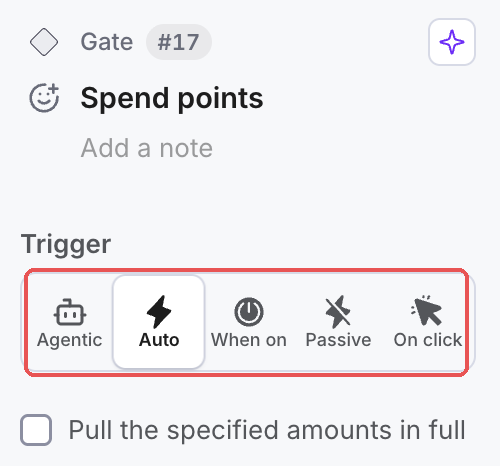
- Select the gate “Spend points” on the canvas.
- In the “Properties” panel, under the “Trigger” section, select the option “Auto”. You will see the gate now has a lightning bolt on top.
- Press “Play” and observe how the points are now distributed from the “Skill points” pool to each attribute randomly. If you Play again, you will see that the points will be allocated to other pools. You can also play with the probabilities to see how the diagram behaves. In this example, the player reached level 4 at step 9, allocating one point to Strength, another to Dexterity, and 6 to Constitution.