Resource connections: Transferring resources
Connect Sources and Pools to transfer wood and stone through the Loot and Craft model. A Resource Connection gives a resource a path between two components.
A Resource Connection gives a resource a path between two components. Connect the Wood Source to the Wood Pool, then connect the Stone Source to the Stone Pool. The formula on each connection controls how much can move during a step.
Move resources into the Pools
Start with a fixed number to see the flow clearly. Play one step, inspect what arrived in each Pool, and adjust the formula if the result differs from your intent.
Resource connections are used whenever we want to transfer resources from one component (the origin) to another (the target).
The number of resources transferred in the connection is given by the value under Type in the Properties panel. The value can be any number or function (we will look into functions in further detail in more advanced pathways).
For example, if the value is set to 4, you are going to transfer 4 resources from the origin to the target of the connection.
An alternative solution
Had you created one source called “Collect materials”, you will need to connect it to both pools.
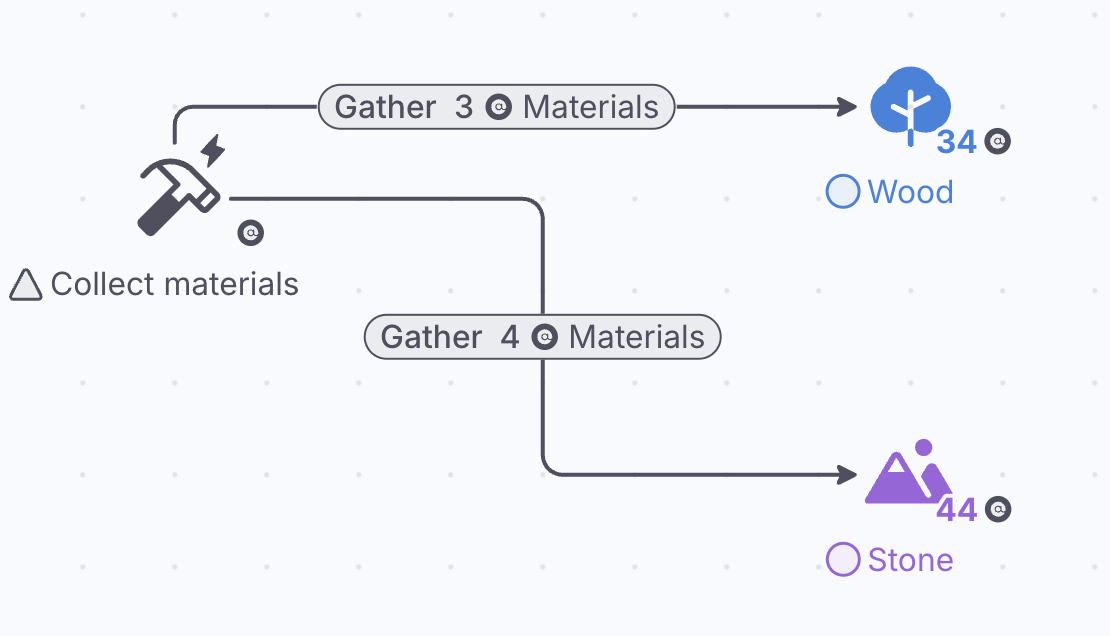
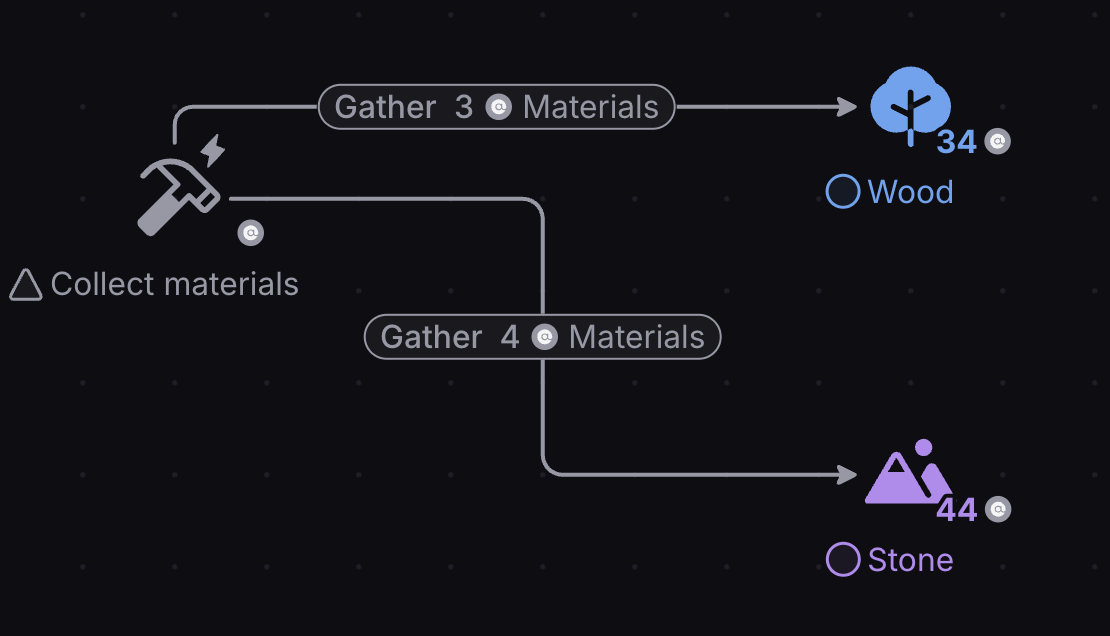
Transfer can be Flow (each resource travels as its own token) or Instant (all at the start of the step); a Forecast always transfers instantly.
For more information about resource connections, please refer to the documentation page:
Adding Randomness
A fixed flow answers one question. To explore variation in how much material is collected, change the connection formula to draw a random amount at each step. Compare several Plays rather than treating one result as a forecast.
Dice throws
Whenever you want to generate a random number, you can set the Type of a resource connection to “Dice roll” and write the maximum number you want to generate after the letter “D”.
For instance, if you write 6 after the D (D6), this is like throwing a six-sided dice, so it will generate a number between 1 and 6.
You can also write 4 before the D and 10 after it (4D10), to throw four 10-sided dice.
There is an alternative and more verbose way to generate random numbers using MathJS functions, which will be covered later. However, if you want to play with them, they are:
- random(min,max): generate a random, real number between the minimum and the maximum. For example, if you write random(0,4) it will return a real number between 0 and 4
- randomInt(min,max): generate a random, integer number between the minimum and the maximum-1. For example, if you write randomInt(1,7), it will return an integer number between 1 and 6 inclusive.