Live Market Feeds
Use this type of Parameter (called Custom Variable in older guides) to retrieve values for projects published on Markets like Binance or Opensea.
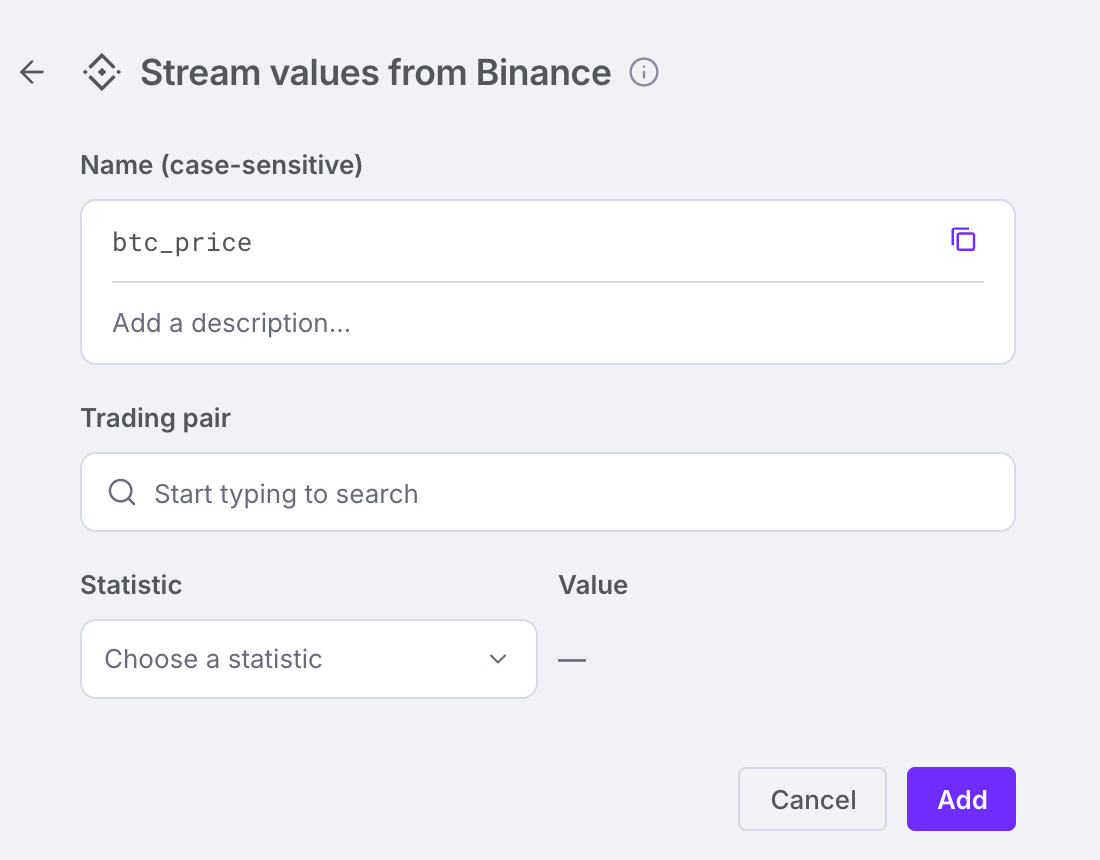
Name
Use the variable’s name to reference it in the Formula fields of nodes and connections throughout your diagrams. See the example below.
Market
Binance and OpenSea each have their own card under Add connector in the Data tab at the top of the editor. Press the card of the market you want.
Project
Trading pair (Binance) or Collection (OpenSea) – search for the project you want to read.
Stats
Statistic – choose the value to retrieve; the Value box then shows it.
Refresh
Hit the Refresh button whenever you want to retrieve the latest value from the source defined in the previous fields. You need to save the variable again for the changes to take effect.
Description – Describe the purpose or origin of the variable.