Sinks

 Sinks (K) consume Resources from Pools and other Nodes. They can take Resources from multiple Nodes at the same time and at various rates.
Earlier guides call this node a Drain. Resources that enter a Sink leave the modeled system. Use this to represent consumption, loss, spending or another outflow in any economy or process.
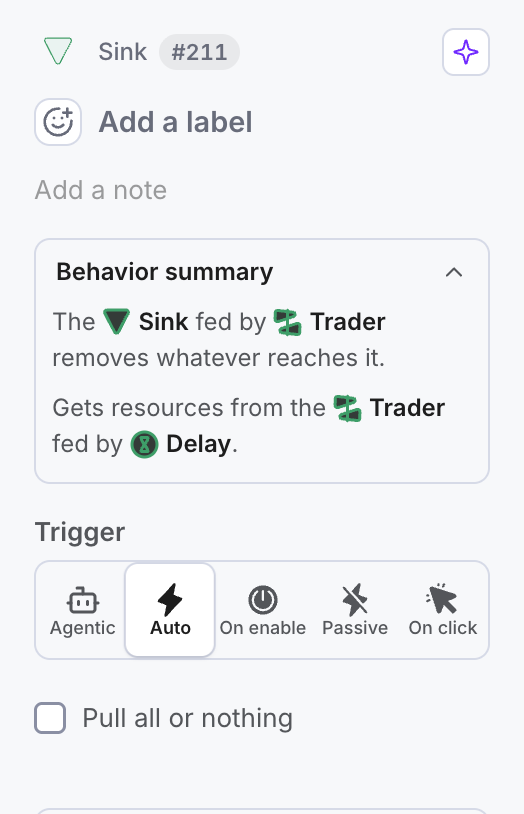
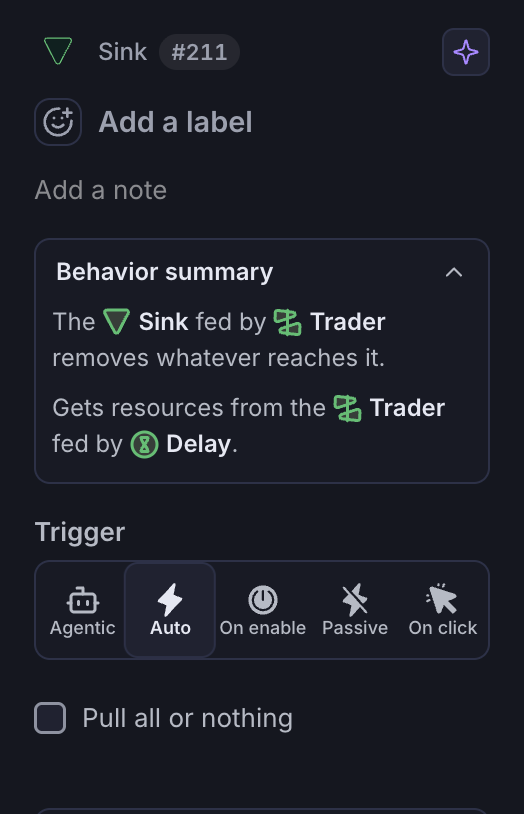
Like most other Nodes, a Sink has a Trigger, the row of five buttons Agentic, Auto, On enable, Passive and On click. Read Trigger Mode to see what each one does. Its only other setting is the checkbox Pull all or nothing; see Pulling & Pushing for what it changes.
The rate of a Sink is determined by the flow rate of its input Resource Connection. Some Sinks consume Resources at a steady rate, while others consume Resources at random rates or intervals.
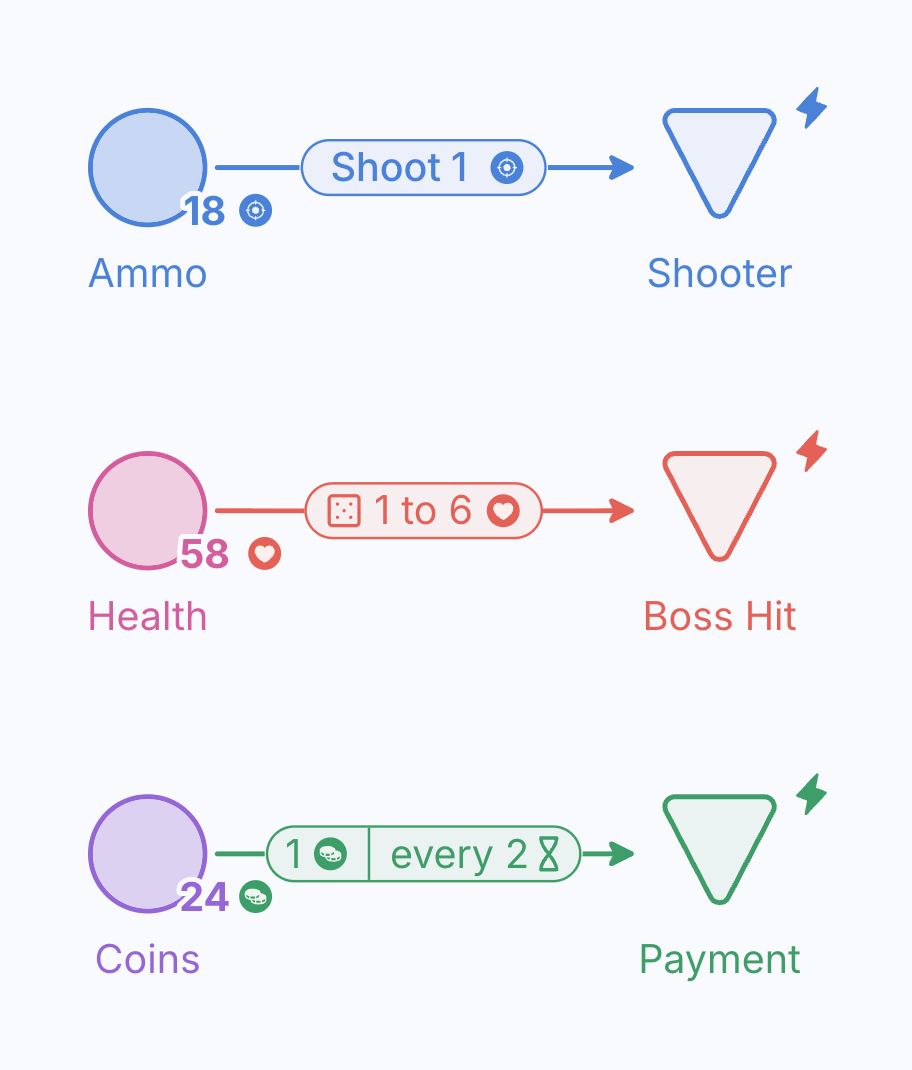
Three published examples show different ways to control outflow:
- Shooter: The Shoot Sink consumes 1 Ammo every time the player shoots.
- Brawler: An encounter removes between 1 and 6 Health points whenever the boss hits.
- Resource Management: A process consumes 1 coin every 2 weeks.
Learn how Labels, Formulas and Intervals control Resource flow:
You can also set a Sink to consume all Resources within a Pool by inputting all in the Resource Connection’s Formula.
all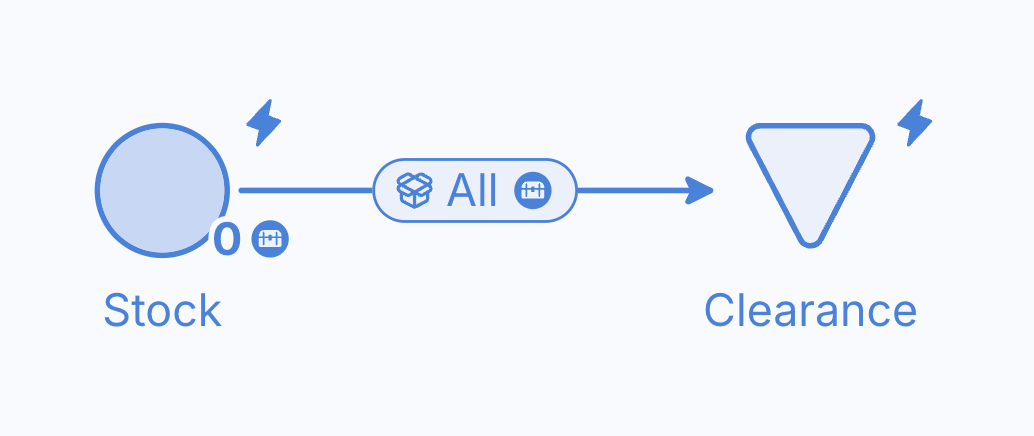
Selected models to Play and remix: Selected game economy models.