Sources
Sources (S) are Nodes that produce unlimited numbers of Resources for other Nodes to use. Resources can represent currencies, workers, items, stats, and any other countable quantity.
What are Sources in Machinations?
Sources in Machinations introduce Resources into a diagram. They have no input Resource Connections: they produce; they do not store or consume. In many ways, a Source acts like a generator with an infinite supply.

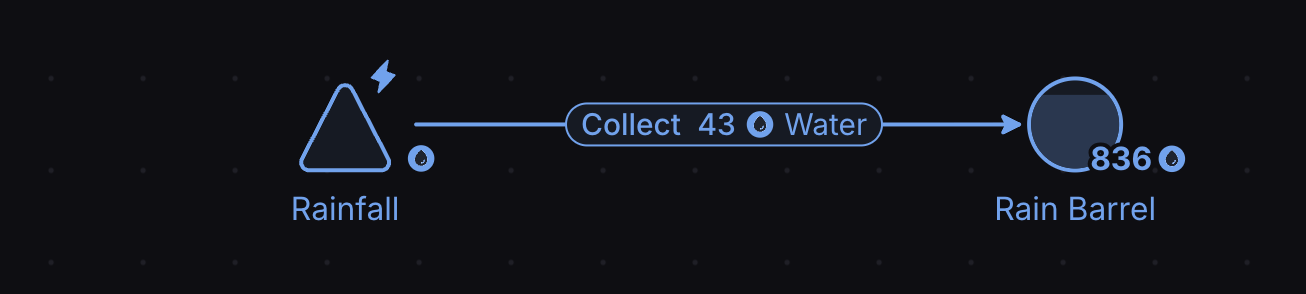
How Sources generate Resources
Sources depend on their output Resource Connections to control the generation flow. The amount generated is set by the formula on each output connection. For example, a formula of 10 makes the Source generate 10 Resources each time it activates. With connection formulas, you can model numerous types of transfers:
A Source can feed an unlimited number of Nodes at once, with an individual flow rate on each output path. Simply, add a new connection output and set its formula.
How to customize a Source
By clicking on any source from your diagram, you will open its Properties Panel. In this panel, you can modify the Source’s label and note, its Trigger, its Direction and its Resources. Color and text style are on the floating toolbar above the selected node.
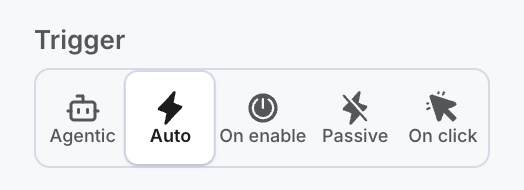
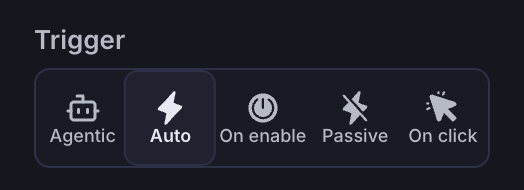
Sources Trigger Modes
A Trigger Mode is the option that defines what must happen for the Source to fire. In the example below, the Interactive Source fires only when you click it during Play, so its Pool stays at 0 until you do.
Direction – Partial / Full push
A Source always pushes its resources out, so unlike a Pool it has no Pull / Push switch. Its Properties panel has one checkbox, Push all or nothing, that sets the node’s behavior based on the states of its outputs. When it is off, each connection carries what it can (partial push). When it is on, a connection that cannot carry its whole amount carries none, and if any connection falls short, the Source pushes nothing through any of its connections in that step. Here is a breakdown
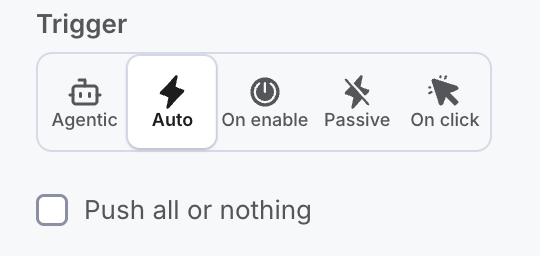
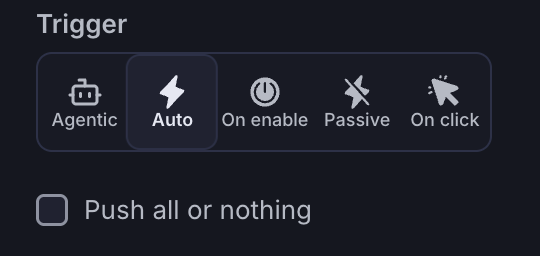
This option is especially useful when Pool with Capacities are used as outputs.
Generating Custom Resources
In the Properties panel, the Resources field sets the Resource type this Source produces, and a small mark in the Source’s corner shows that type on the canvas. As such, you can define the identity of every Resource the Source creates.
Resource Filtering lets you model parallel flows in one diagram: currencies vs materials, income vs XP, task types, etc., without mixing them unintentionally.
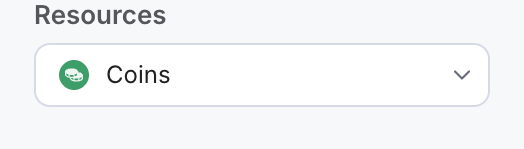
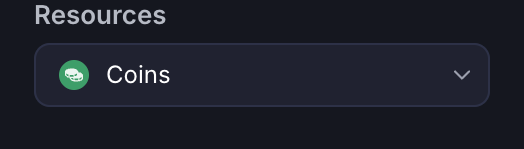
A Source produces a single Resource type. All of its outputs carry that same type. If you need several types (e.g. wood and stone), use multiple Sources, or generate one type and transform it with a Converter.
Use cases for Sources
Sources are among the most important building blocks because they can generate any countable Resource. Here is a list of popular examples of Sources in Machinations diagrams:
- Material generation: mines, forests, factories, and other producers;
- Economic flows: income, investments, interest;
- Workflow visualization: completed tasks, efficiency, delivery estimates;
- Timers: count intervals in minutes, hours, months, or any diagram-relevant unit;
- Counters: tally how often an action occurs (e.g., completing a task, tracking successful events)
You might be also interested in
Selected models to Play and remix: Selected game economy models.