Levers
A Lever is a value in your diagram that you want to try at other settings: a price, a drop chance, a starting amount. Marking it as a Lever puts it on a slider, so you can change it and see what happens to the result without editing the diagram.
What can be a Lever
Pools, Registers, Resource Connections and State Connections that modify a value can be Levers; Sources, Gates and text cannot. Mark one in any of these ways:
- Right-click it and choose Mark as Lever.
- Select it and turn on the Lever switch at the top of the Properties panel, under the Behavior summary.
- Select it and press Cmd+Shift+2 on a Mac, or Ctrl+Shift+2 on Windows.
The switch beside it, Outcome, does the opposite job: it marks the values you want to read, so they are plotted on the chart. A Lever is what you change; an Outcome is what you watch.
Moving a Lever
Open the Scenarios tab in the header. Every Lever of the diagram is listed there with a slider. Moving a slider plays the diagram once with the new value, and the diagram's own value stays as it was until you choose to keep the new one. A Lever moved during a Play takes effect from the next Play. The Play Modes page explains how Scenarios are kept and compared.
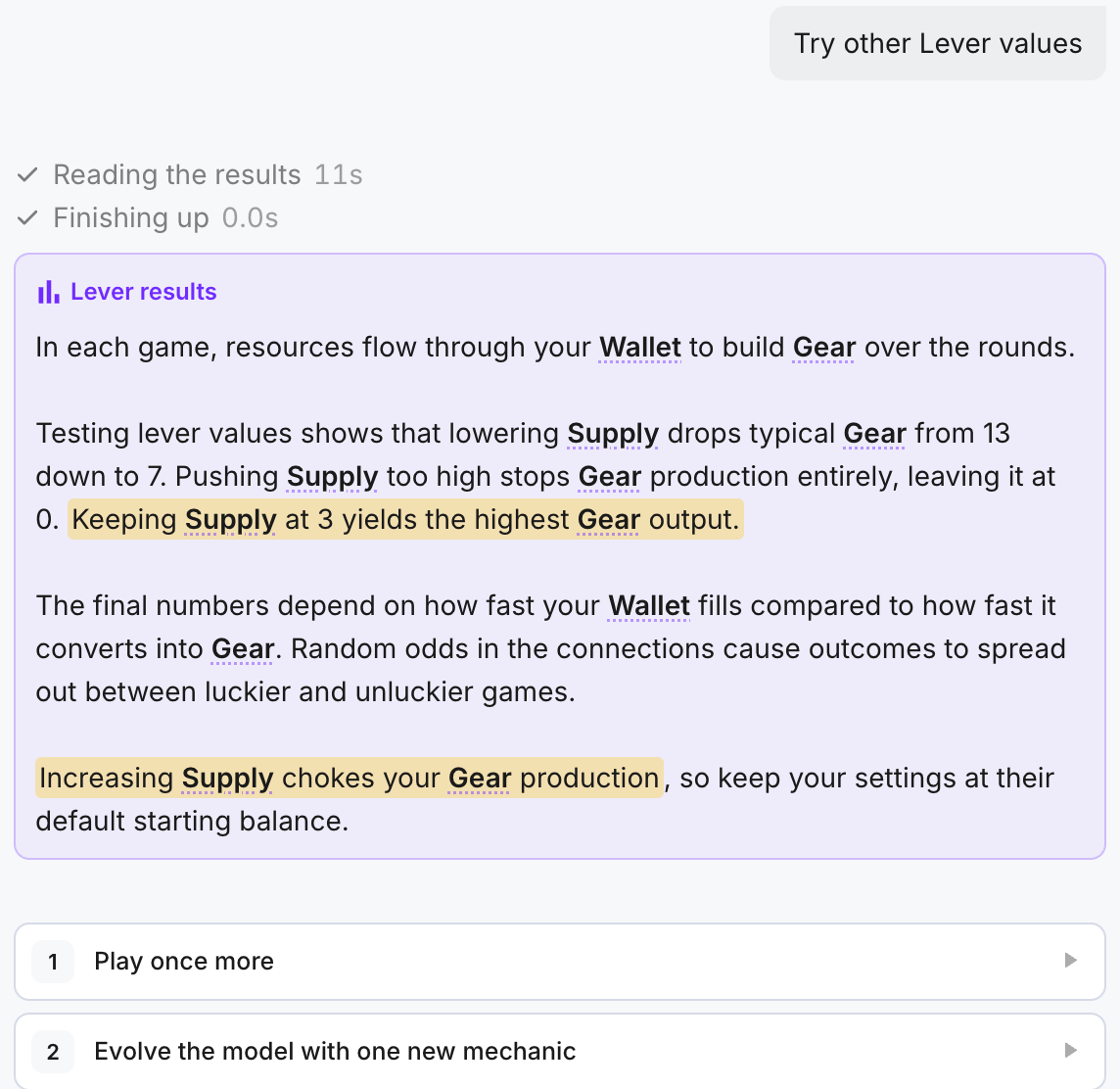
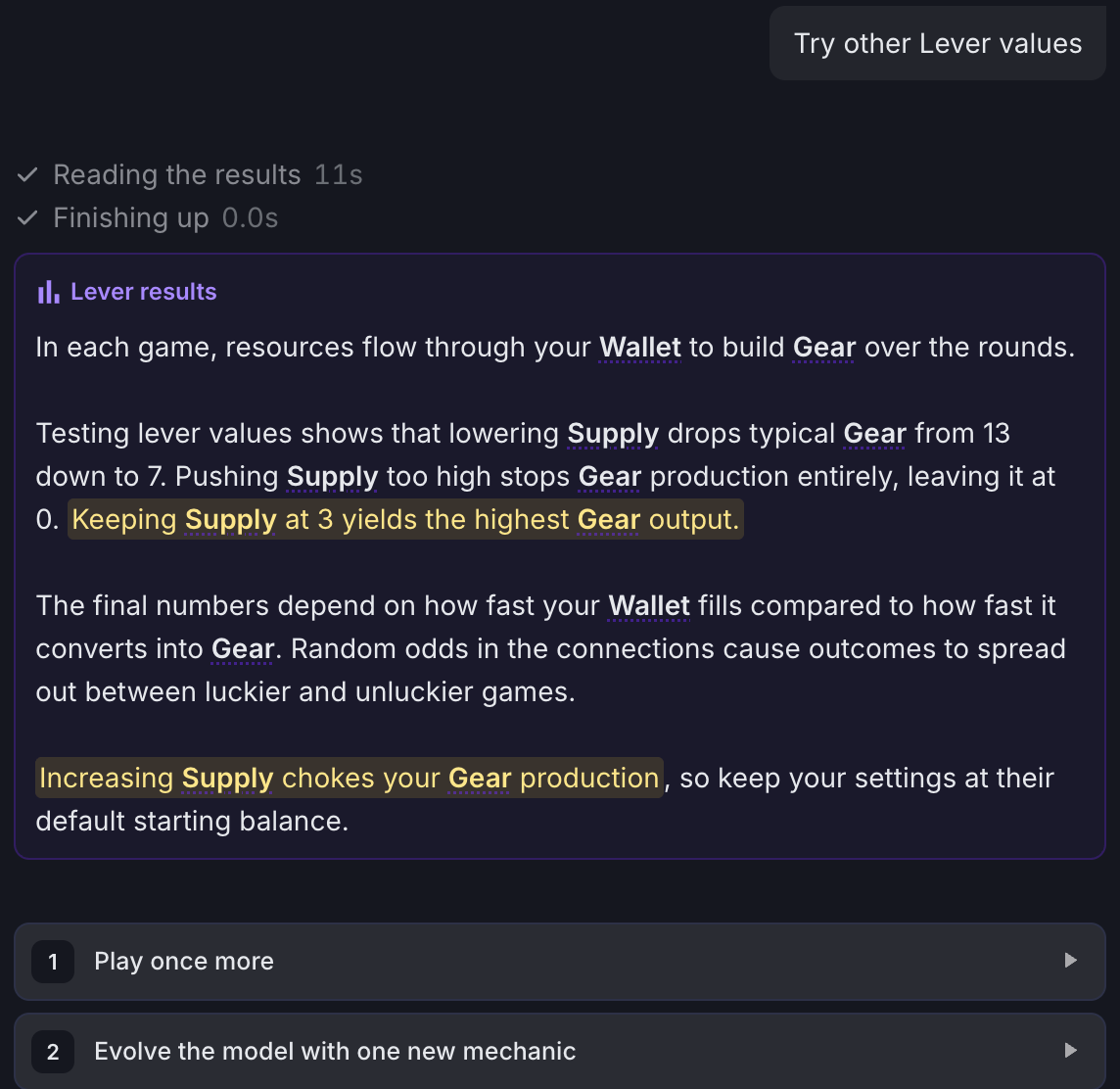
Try other Lever values
You do not have to guess which settings to try. After a Forecast, the Agent chat offers next steps under its answer, and when the diagram has Levers one of them is Try other Lever values. Click it and the Agent:
- Picks two to four values worth trying, one Lever at a time, each inside the Lever's slider range, with a short reason for each.
- Starts a Forecast of 20 Plays for each value. The chat shows Trying your Levers… with how many are done and a Stop button. Each Forecast plays the Lever at the tried value only: your diagram's own Lever values are never changed.
- Compares the results with your first Forecast and writes them up in a Lever results box: which change moved the outcome, in which direction, and by how much.
The tried Forecasts spend Credits like any Plays, and the Agent's reading of them spends Credits like any request to the Agent. If your Credits cannot cover every value, the last values are dropped so the rest still run.
Learn more
To see how much a single Forecast can be trusted before you compare Lever values, read Precision. To let a Persona act inside the model while you try Levers, see Personas.