Gates

 Gates (G) are Nodes that either sort Resources without collecting them, or trigger other Nodes’ actions.
A Gate’s activation and resulting action happen within the same Step. They perform their actions during a Step rather than at the beginning or end of a Step.
An input reaches the Gate during a Step.
The Gate sorts Resources or triggers connected Nodes within that same Step.

Properties
Select a Gate to open its properties in the panel on the right. You can add a label and a note, choose a Trigger, decide whether to pull all or nothing, and set its Distribution. Color and text style are on the floating toolbar that appears above a selected node.
The Trigger is a row of five buttons: Agentic, Auto, On enable, Passive and On click. A new Gate starts as Passive. See Trigger Mode for how each choice affects activation.
For resource input, the panel has a Pull all or nothing checkbox. It replaces the old Action choices pull any and pull all.
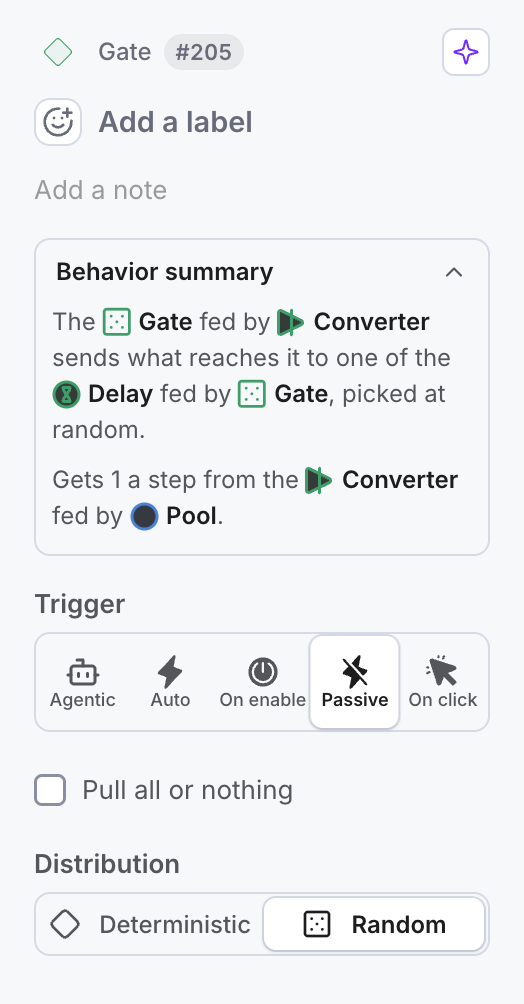
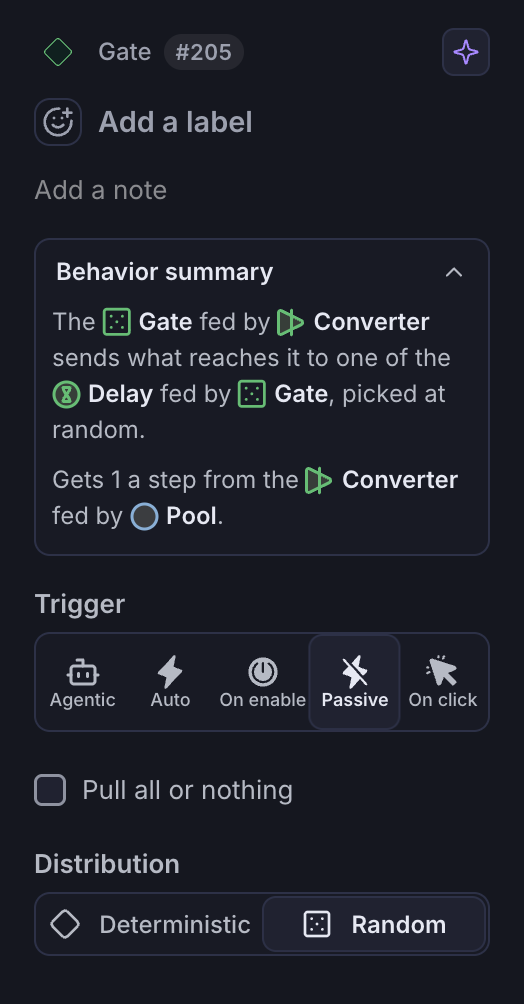
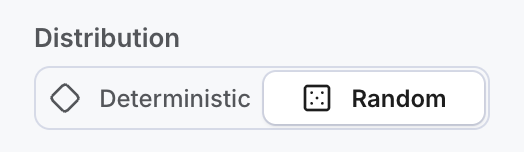
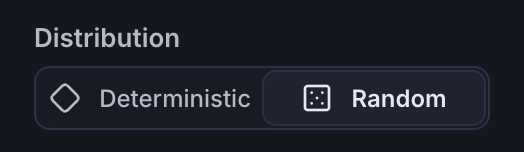
Gates have two distribution types: deterministic and random. The setting changes how a Gate chooses an output connection.
Use cases for distribution
Gates support Resource Connections, State Connections, or BOTH Connections as inputs AND outputs.
Deterministic
The deterministic Gate will distribute Resources based on the labels of the output connections. Even if the amount of the resources sent through the deterministic Gate is higher than the values on the output connections, the Gate will remember the proportions and respect them over time.
Random
A Random Gate treats the output as a chance for the resources to choose that respective output connection. You may use percentages or whole numbers as distribution ratios, but you cannot mix these on the same Gate!
A higher value than 100 percent makes the gate take each output connection’s proportion into account.
Having at least a 100% chance on any of the Gates’ output connections ensures that no Resources are lost if some of its output connections are disabled during a Play.
A 300% versus 100% output connection on a random Gate is treated the same way as a 75% versus 25% output connection.
Having a lower total of 100% will cause the resources that do not choose any output connection to be drained by the Gate.
Use cases for triggers
Using a State Connection and an asterisk (*) or a number label, a gate (deterministic or random) can trigger other Nodes’ actions during a step. You can learn more about this in the Trigger Mode article.
Selected models to Play and remix: Selected game economy models, Selected reward system models.