Agentic Triggers
Artificial Agents simulate player behavior (or other actors) on a diagram. Instead of clicking on Interactive nodes yourself, you define a persona, pick diagram nodes it can fire, and the engine triggers the actions you define. As such, entire personalities and behaviors can be added to your simulations.
Even though only one agent can be active on a diagram at a time, it is highly recommended to create a list of multiple agents (userbase) and switch between them when exploring scenarios with Forecast.
How to add Agents to your Diagrams
Open the Agents tab in the header (the tabs are Model, Scenarios, Data, Agents and Deploy) to add new artificial Agents. Here you can select to let the AI assistant configure the agent for you, or you can follow the 3-step creation form (explained in the next paragraph)
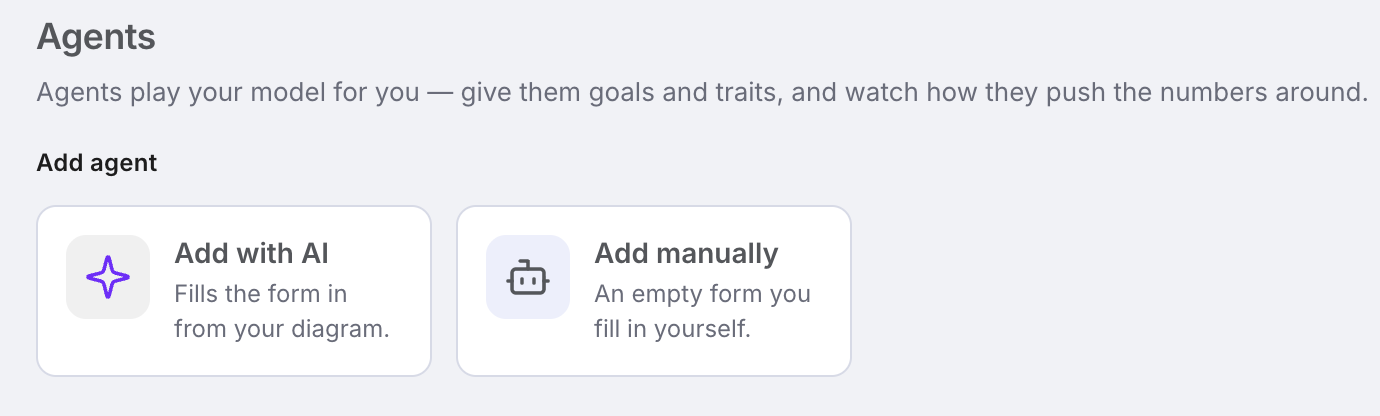
The AI assistant will take into account all the diagram data, including trigger modes and various assets from pools and register and it will generate a custom artificial Agent tailored for the diagram context.
How to Configure an Agent
Agents are very straightforward with their configuration since they have a clear 3-step setup: Personality, Goals, and Control.Here is a list of each component of an Agent:
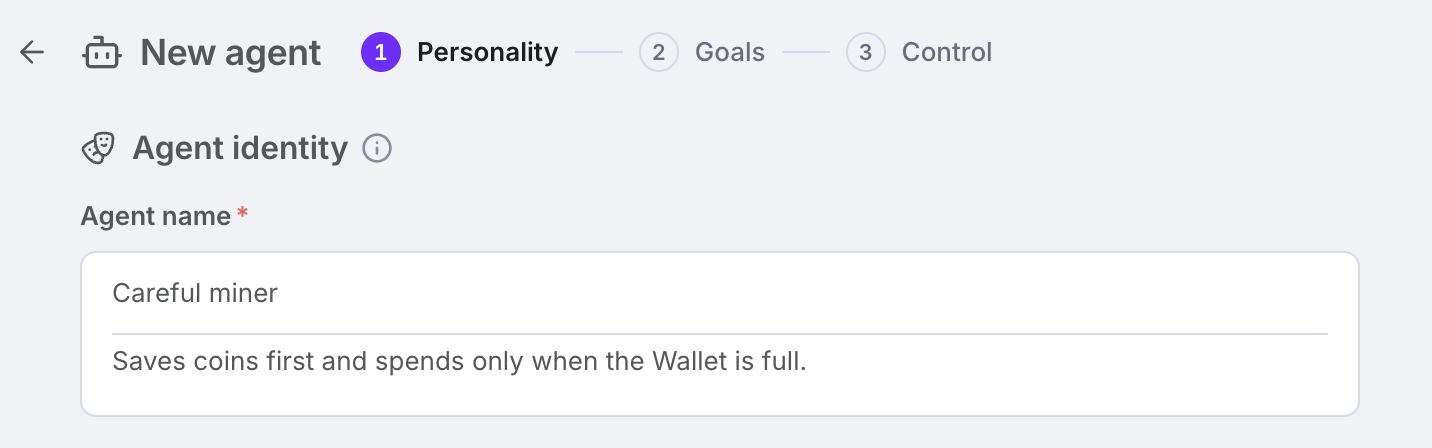
Agent identity
- Agent Name – (required) Used to reference and identify each agent. You can add any name you would like – including spaces and special characters
- Examples: generic names (Adam, Player1, Chad, Britney); names describing the leading personality trait (Goal-Getter, Risk-Enjoyer, Show-Off, Big-Spender)
- Agent Description – (optional) Add a text summary to summarize the behavior and stats of the Agent
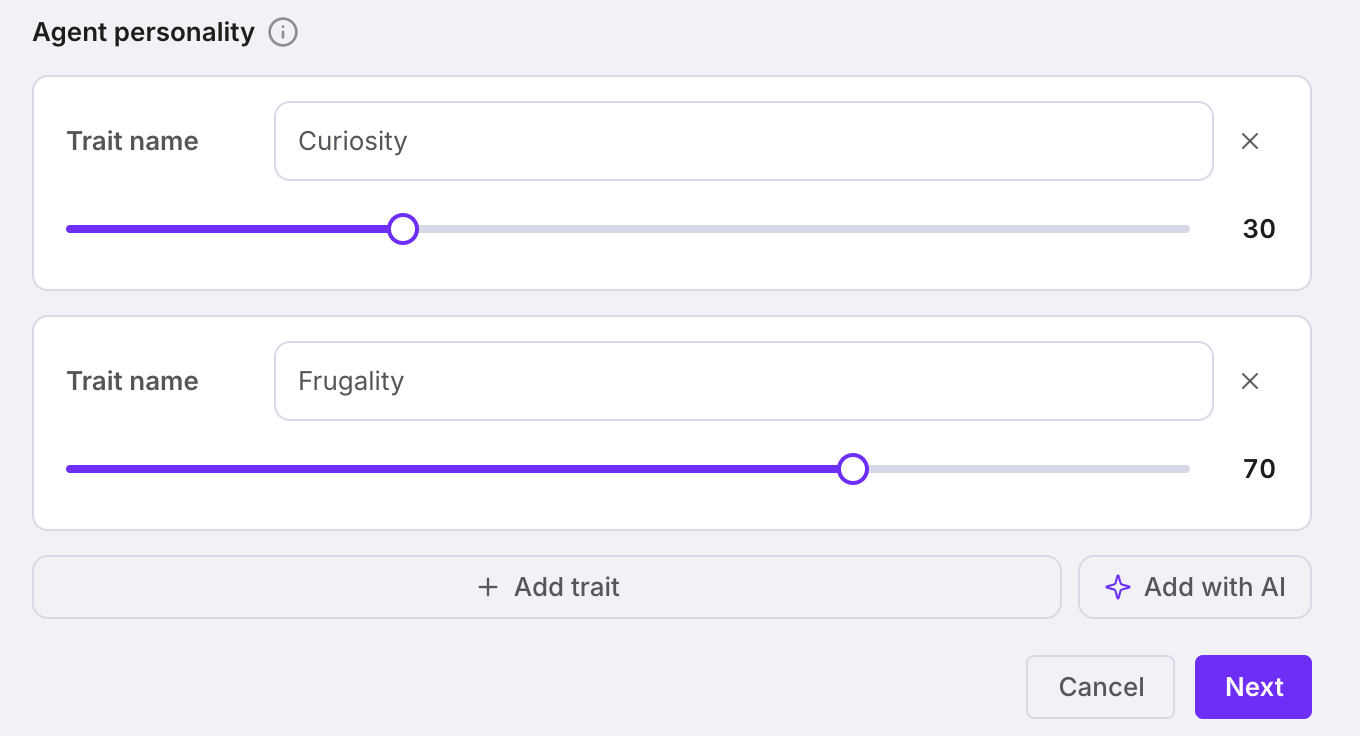
Personality traits
- Agent Personality – (at least one required) Create characteristics which will influence the decision-making process when the agent acts. Additionally, you must add a weight to each personality trait. If a trait is stronger, the action linked to the trait will be more likely to be selected
- Examples: Patience – 10/100; Extroversion 95/100; Skill 100/100; Determination 30/100; Willigness to Spend – 80/100;
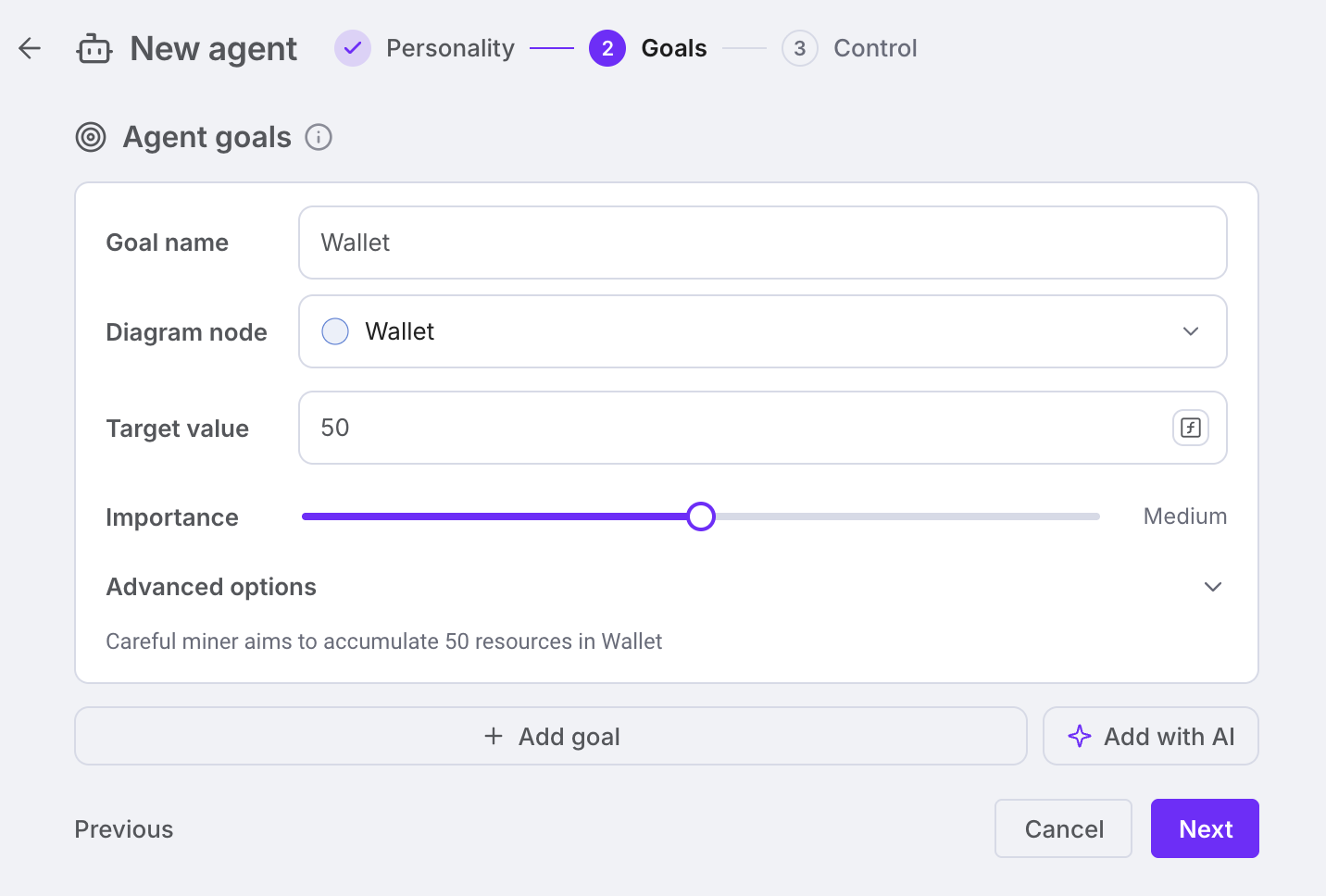
Agent goals
- Agent goals – (at least one required) Select quantifiable values in the diagram (pools/registers) the agent works towards. Based on these goals, the agent will simulate player behavior by prioritizing the linked actions. Each goal has a Target value (how many resources the agent aims to hold for that node) and an Importance from Minimum to Maximum: the more it matters, the likelier the actions linked to it.
- Examples: Gold Reserve – target = 1000; Legendary items – target = 1; Buildings – target = 50, Money in Wallet – target = 5000; Products in Stock – target = 300
Control: target actions
- Agent Target Actions – (at least one required) Choose diagram nodes that will be activated by the agent during simulations. All the nodes that have the Trigger modes are selectable for the Agent control: Sources, Pools, Gates, Sinks, Converters, Traders, and Delays. Each target action has linked traits and goals that are meant to calculate how likely the action is to be selected: Strong traits and strong desire for goals linked to the target will increase the decision chance.
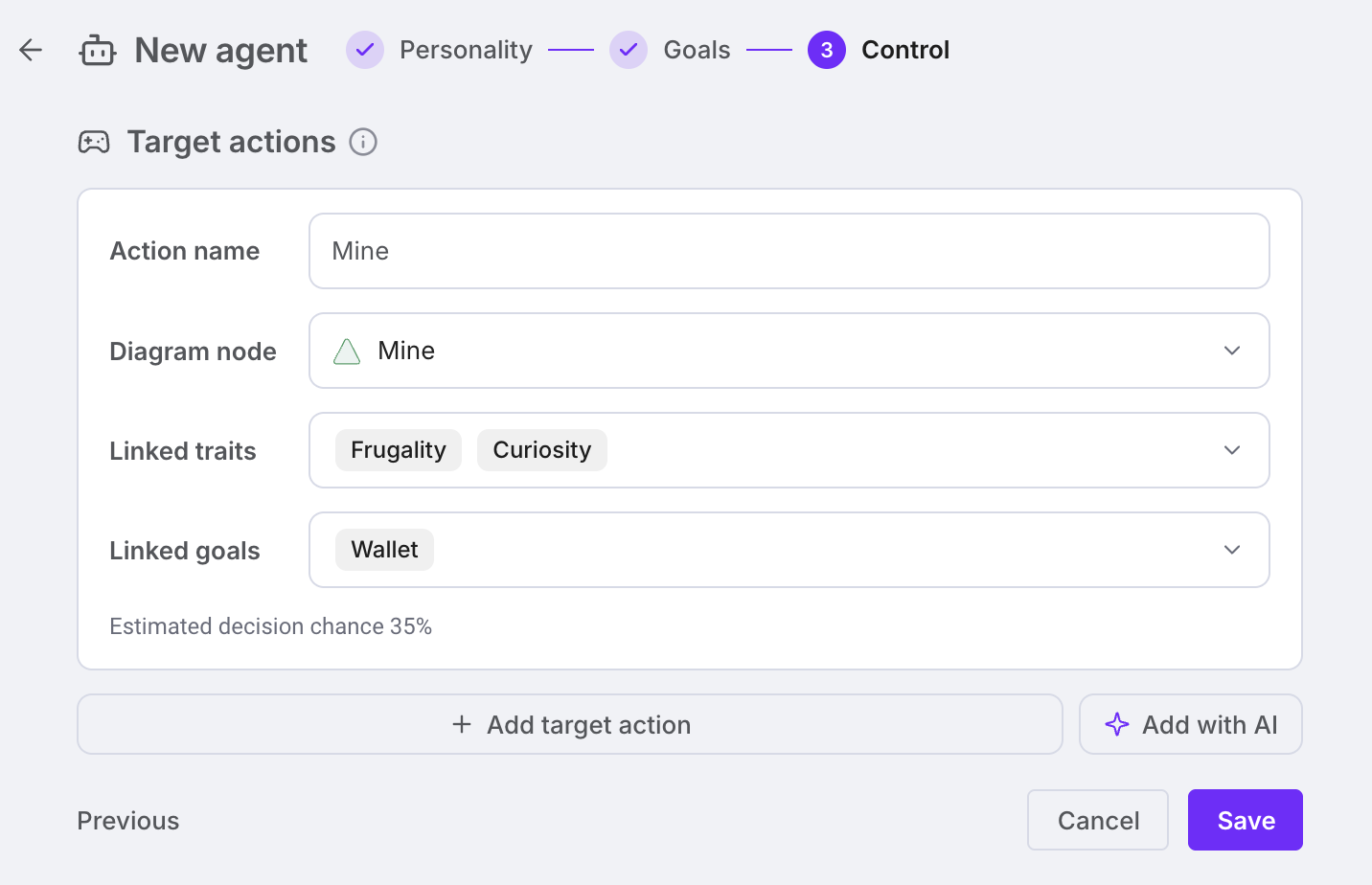
All Target actions are selected based on probabilities. An agent can select multiple actions during a single simulation step, but due to the random nature of simulations, the agent behavior is not deterministic by design.
Artificial Agent Concrete Example
| Traits | Goals | Actions |
|---|---|---|
| Frugality = 70 | Wallet target 50 | Work (Frugality & Wallet) |
| Curiosity = 30 | Gear target 3 | Buy Item (Frugality & Wallet & Gear) |
| Gamble (Curiosity & Wallet) |
Work Chance = round(Frugality + (base_floor + 0.75 * Wallet_ pressure)) Where,
Wallet_pressure = Importance_level * (1- current_value / target_value) = 0.8 (high importance) * (1 - 20/50) = 0.48
Work Chance = round (70 + (0.25 + 0.75 * 0.48)) = 43%